Working with Data Source Schema Changes
Use this page to review schema changes detected in a connected data source and understand how to resolve them safely.
When you connect a data source to Wren AI, Wren AI imports schema metadata such as tables, columns, and relationships. If the source schema changes later, you can detect those changes by clicking the Refresh icon in the sidebar.
Detect schema changes
When you click the Refresh icon, Wren AI will compare the current schema of the data models with the schema of the data source. If there are any changes, Wren AI will display a Warning Sign in the sidebar. Click the Warning Sign to view the detected changes.
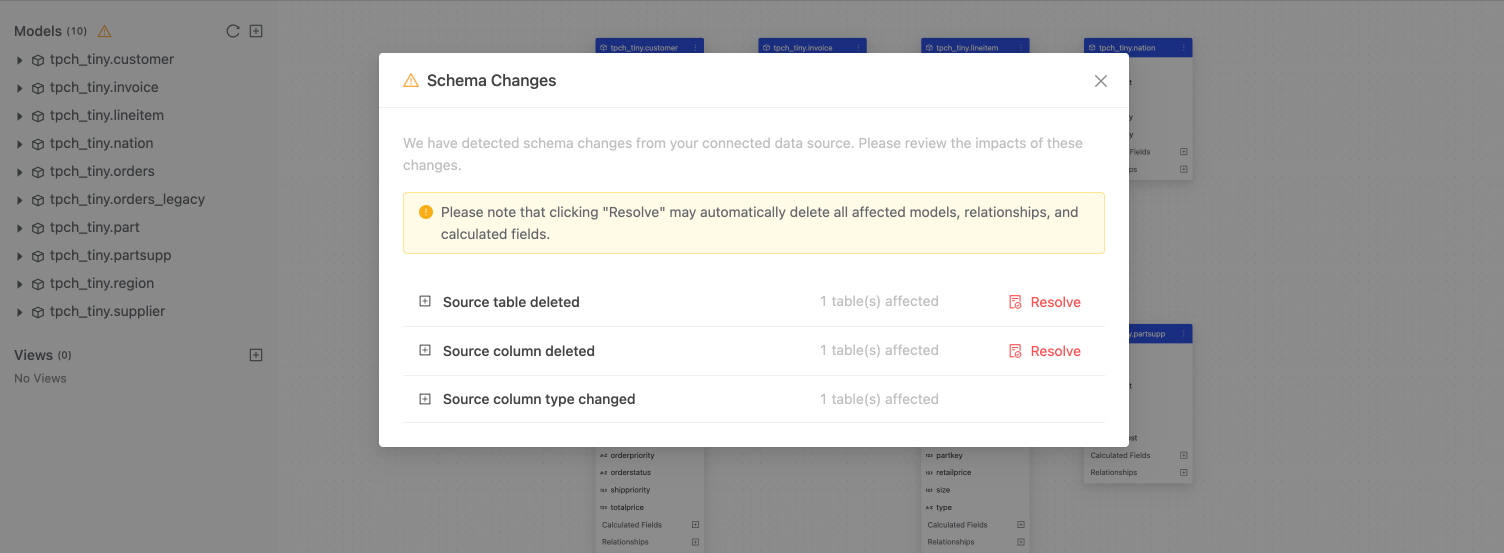
Review schema changes
The Schema Changes page displays the detected changes in the schema of the data models. The changes are categorized into the following types:
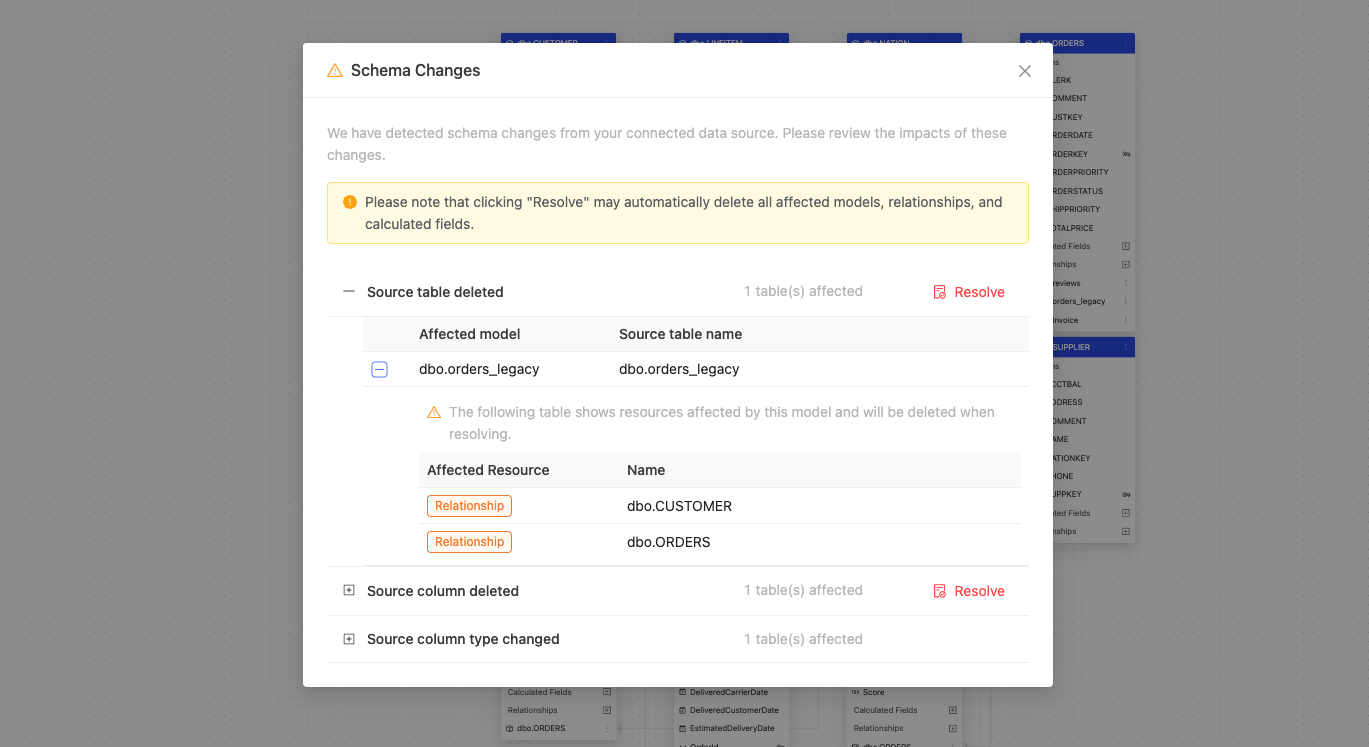
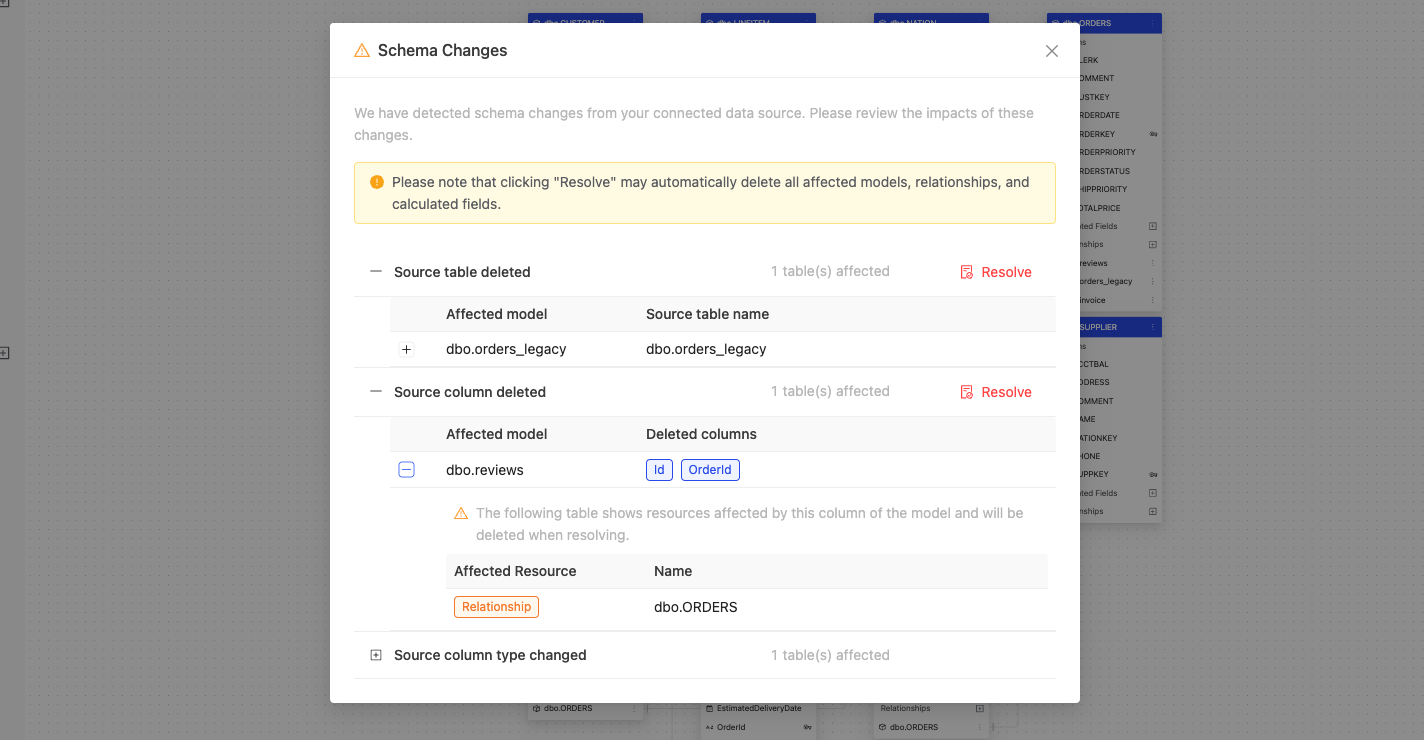
Source table deleted
A table in the data source has been deleted. You can see which model is affected by the deletion.
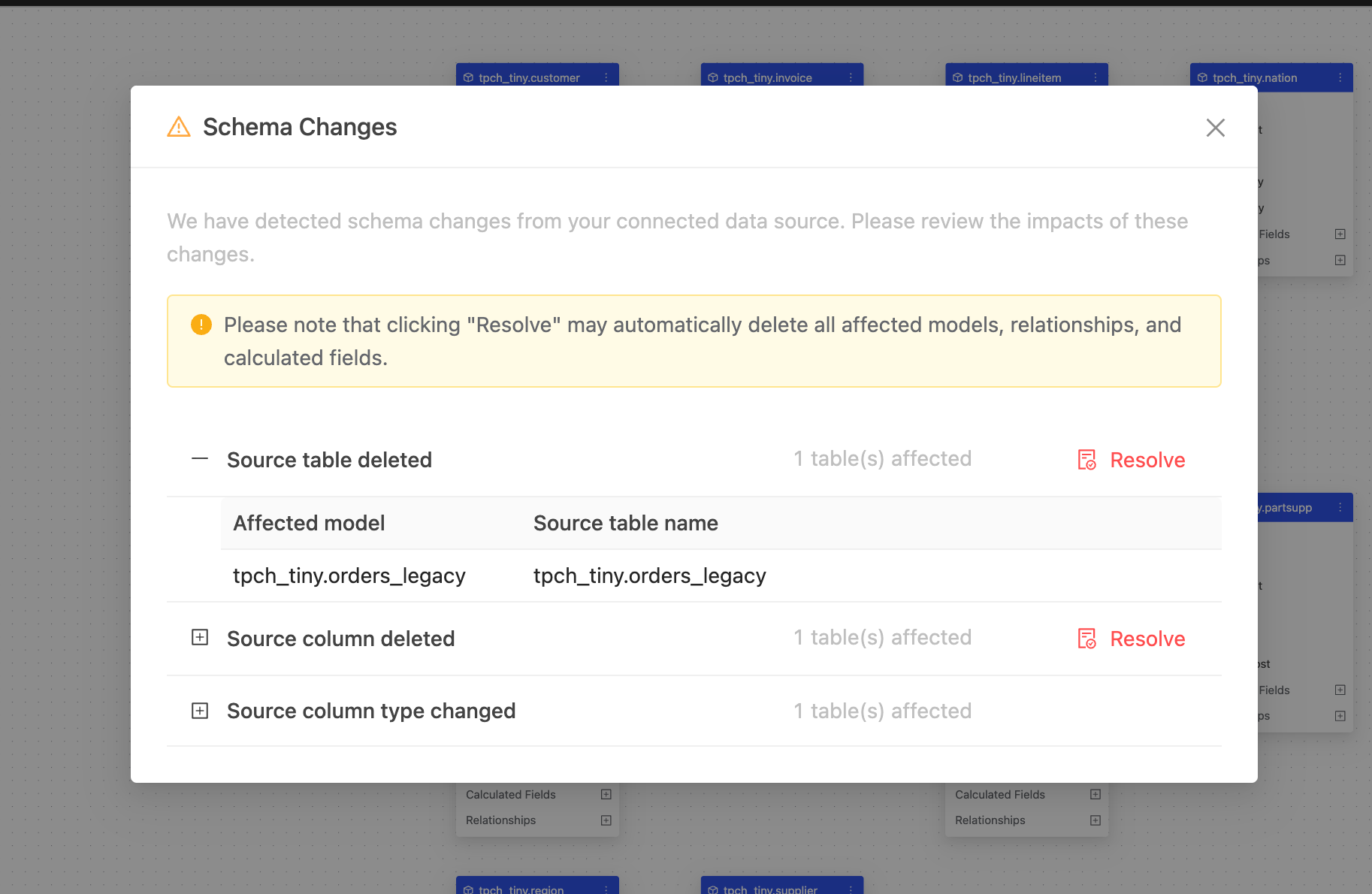
If there are any relationships or calculated fields that depend on the deleted tables, you can see them in the collapsed section.
Source column deleted
A column in the data source has been deleted. You can see which model is affected by the deletion.
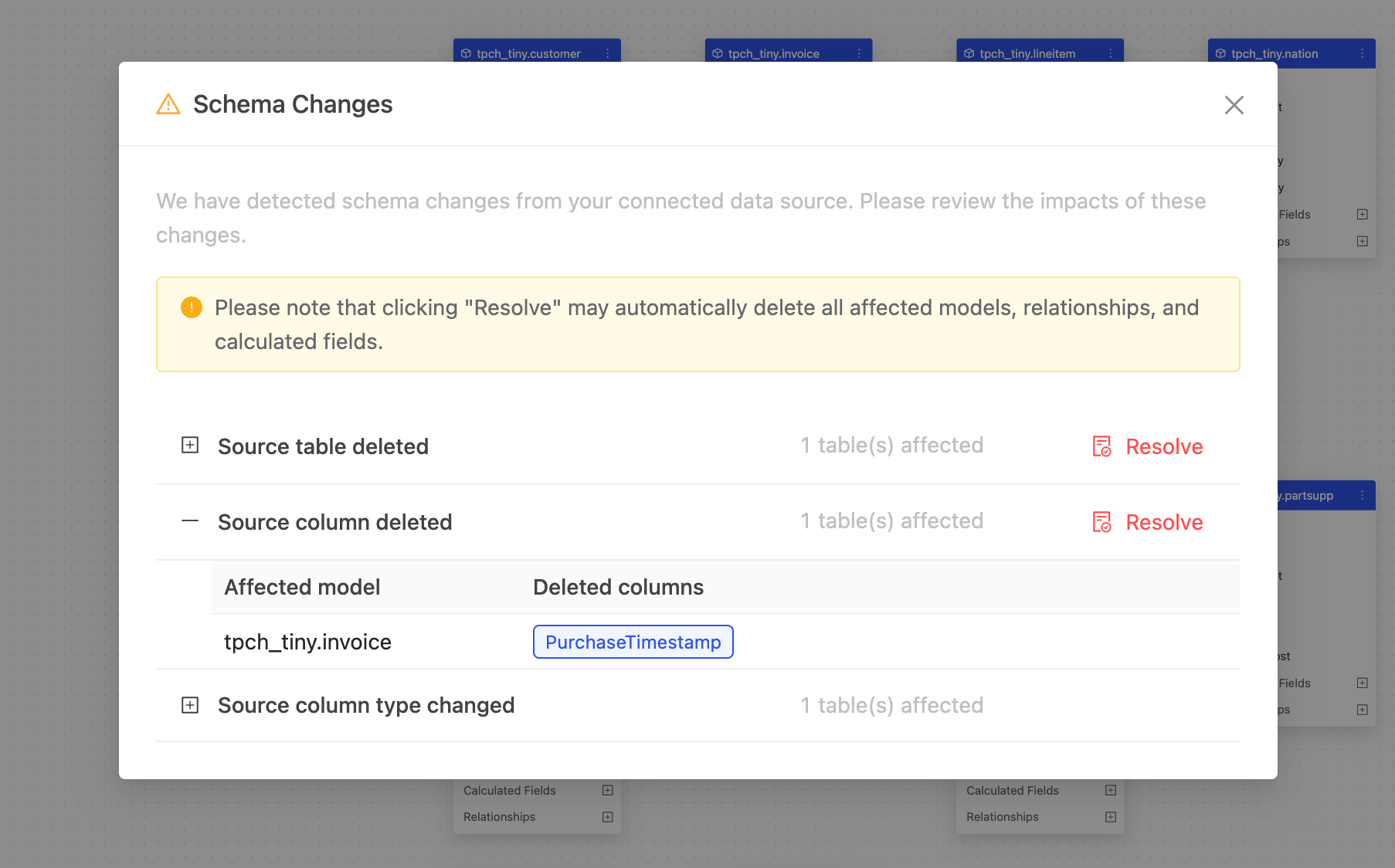
If there are any relationships or calculated fields that depend on the deleted columns, you can see them in the collapsed section.
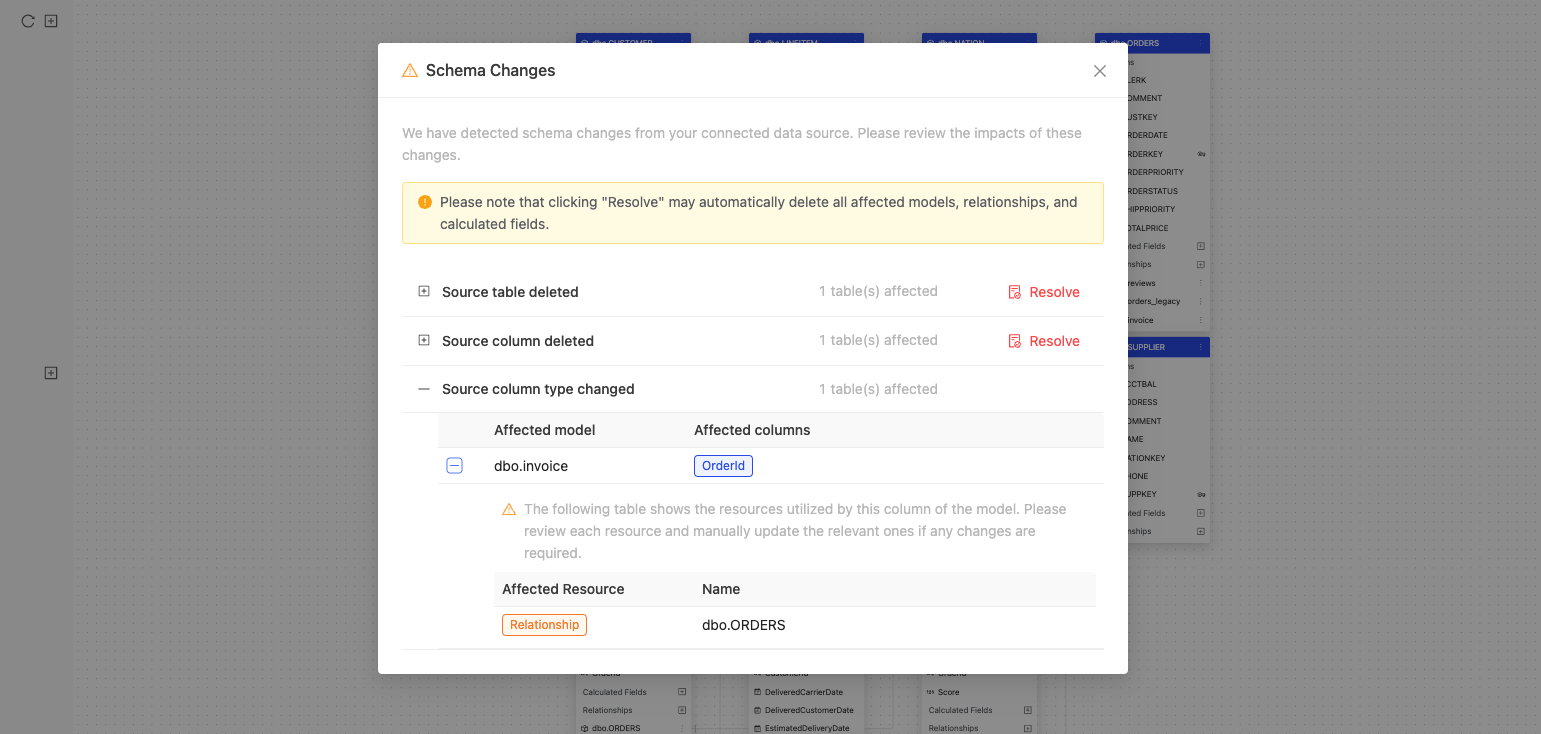
Source column type changed
The data type of a column in the data source has been changed. You can see which model is affected by the change.
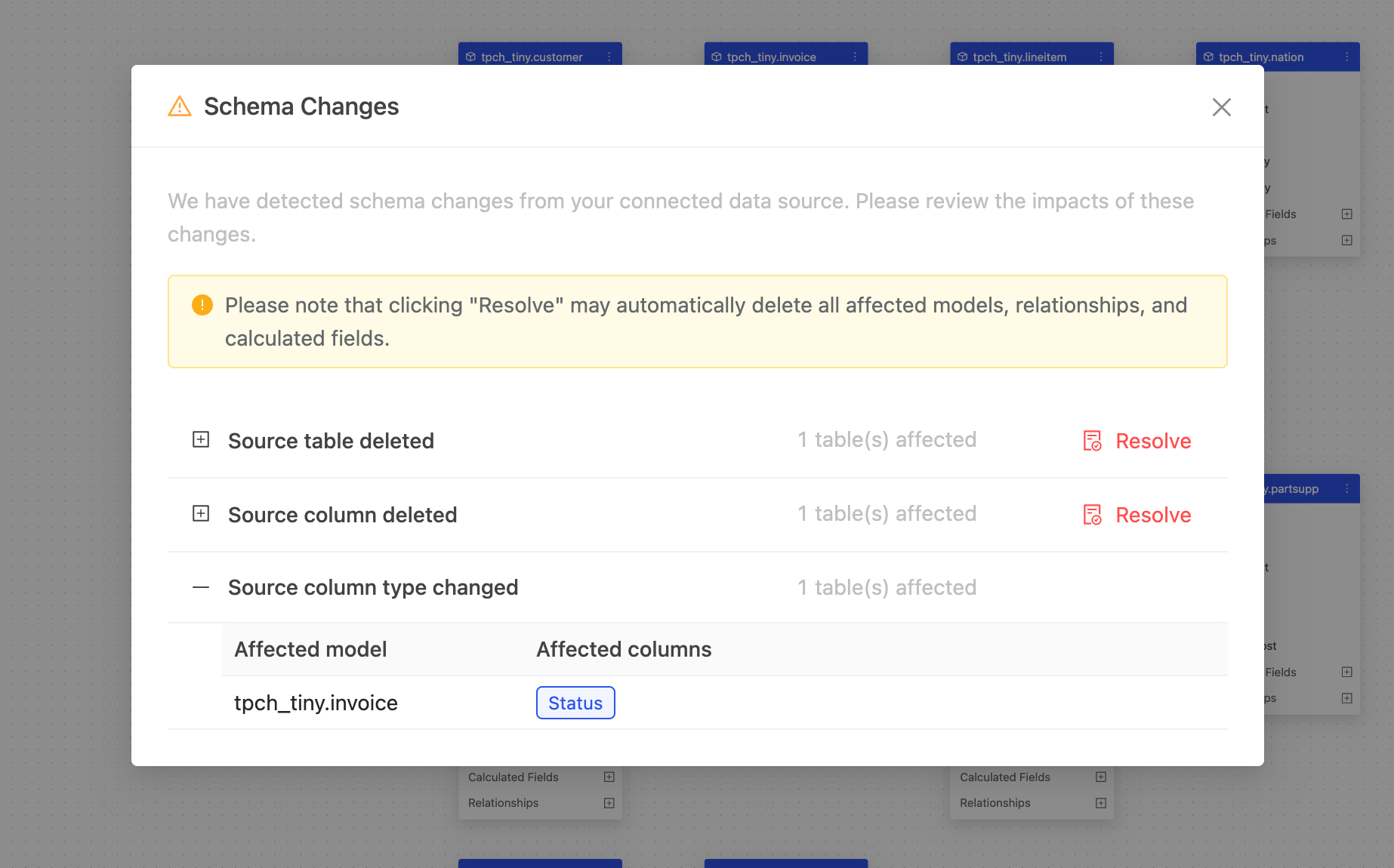
If there are any relationships or calculated fields that depend on the changed columns, you can see them in the collapsed section.
Resolve schema changes
To resolve a change, click Resolve next to the affected item. Wren AI automatically removes affected models, relationships, and calculated fields where automatic resolution is supported.
After resolving the schema change, Wren AI shows a success notification.
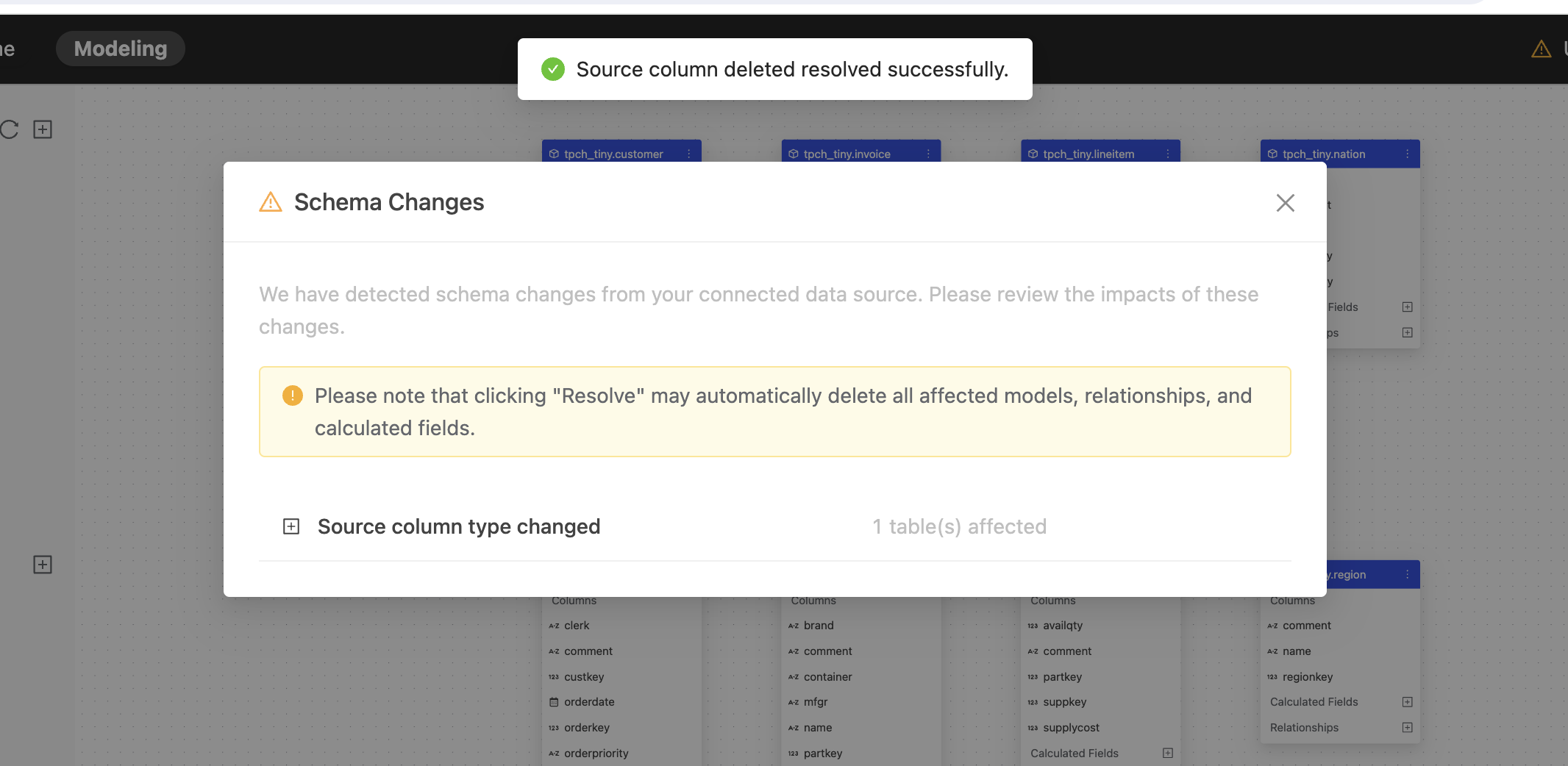
For the source column type changed change, Wren AI doesn't provide an automatic resolution. You need to manually reselect the changed column by updating the data model (clicking Update Columns on the models) and redefining the relationships and calculated fields if necessary.