User Account
Use this page to create your account, verify access, update your profile, and understand how account and project roles affect what you can do in Wren AI.
Get started: create your account
When you join an organization, whether by invitation or self-enrollment, you create a user account tied to your email address. That account gives you one sign-in across the organizations you belong to.
Account Verification
To ensure security, we require account verification. Upon creating your account or logging in for the first time, a verification email will be sent to the associated email address. Please follow the instructions within the email to complete the verification process.
Account Settings
You can access your account settings in two ways:
- Click your initials in the upper right corner, then click your email address.
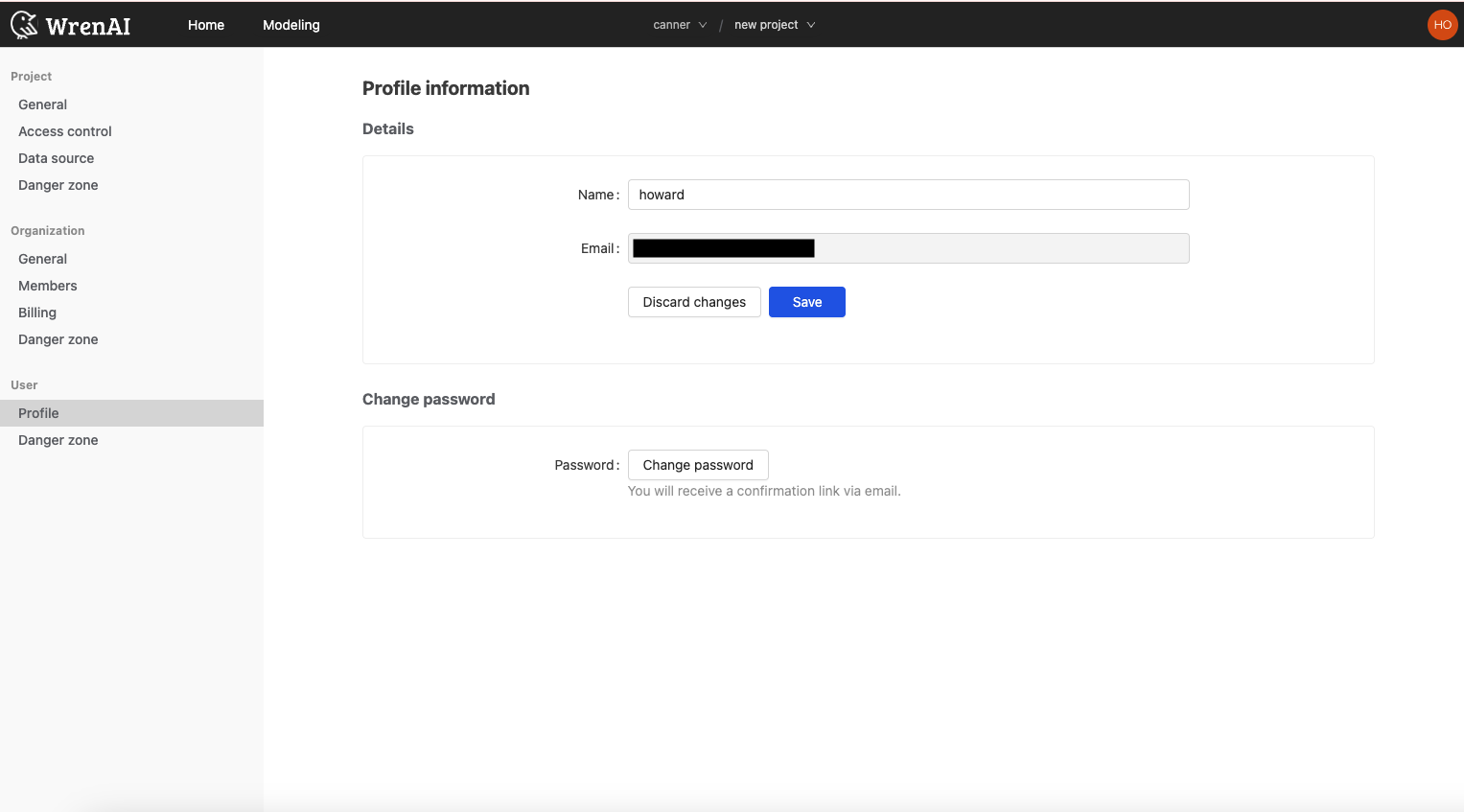
- In the Settings section, go to User and then select Profile.
The Profile information section lets you modify your display name and password.
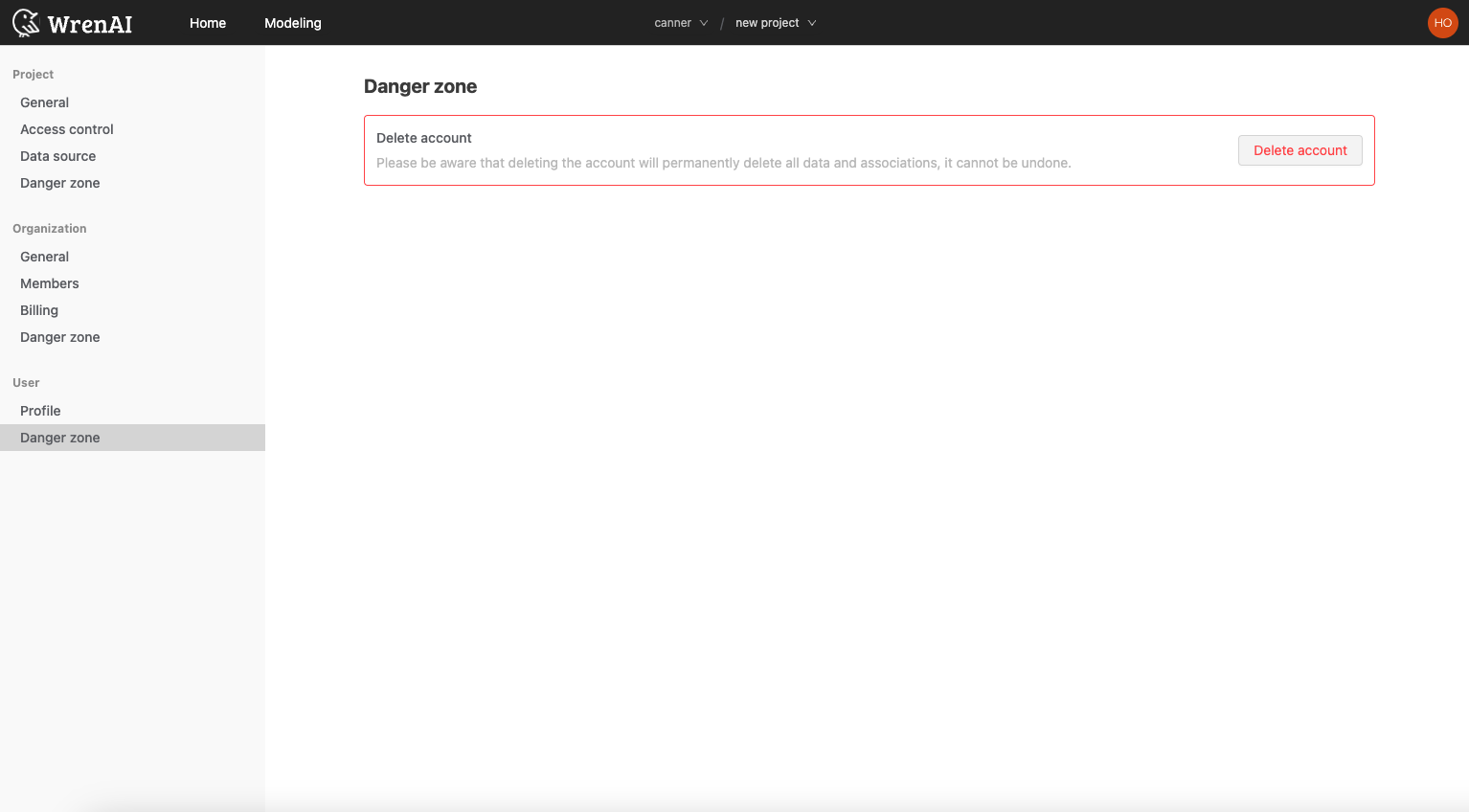
In the Danger Zone section, you can delete your account.
This action cannot be undone.
Account Roles and Permissions
Understanding Your Role
Wren AI uses role-based access control (RBAC) to manage what each user can do in an organization or project.
Organization-Level Roles
- Organization Administrator: Has full control over the organization, including managing users, projects, and billing information.
- Organization Member: Can access projects within the organization but cannot change the organization's overall settings.
Project-Level Roles
- Project Owner: Has complete control over the project, including managing project members, settings, data modeling, and data sources.
Your Role and Privileges
Your specific role will determine the actions you can perform within the platform. For example, an Organization Administrator can create new projects and manage other users, while a Project Owner can only work on tasks within their assigned project.
Role-Based Access Control Matrix
The following table outlines the permissions for each role in our system, using the CRUD (Create, Read, Update, Delete) model to represent the allowed operations.
| Role / Permissions | Organization Members | Billing | Project members | Project management (access and data sources) |
|---|---|---|---|---|
| Organization Admin | CRUD | CRUD | CRUD | CRUD |
| Organization Member | R | - | - | - |
| Project Owner | - | - | CRUD | CRU |