Change Project Timezone
Use this page to change the timezone Wren AI uses for time-based answers and project context.
You can change the project timezone from Settings > Project Settings.
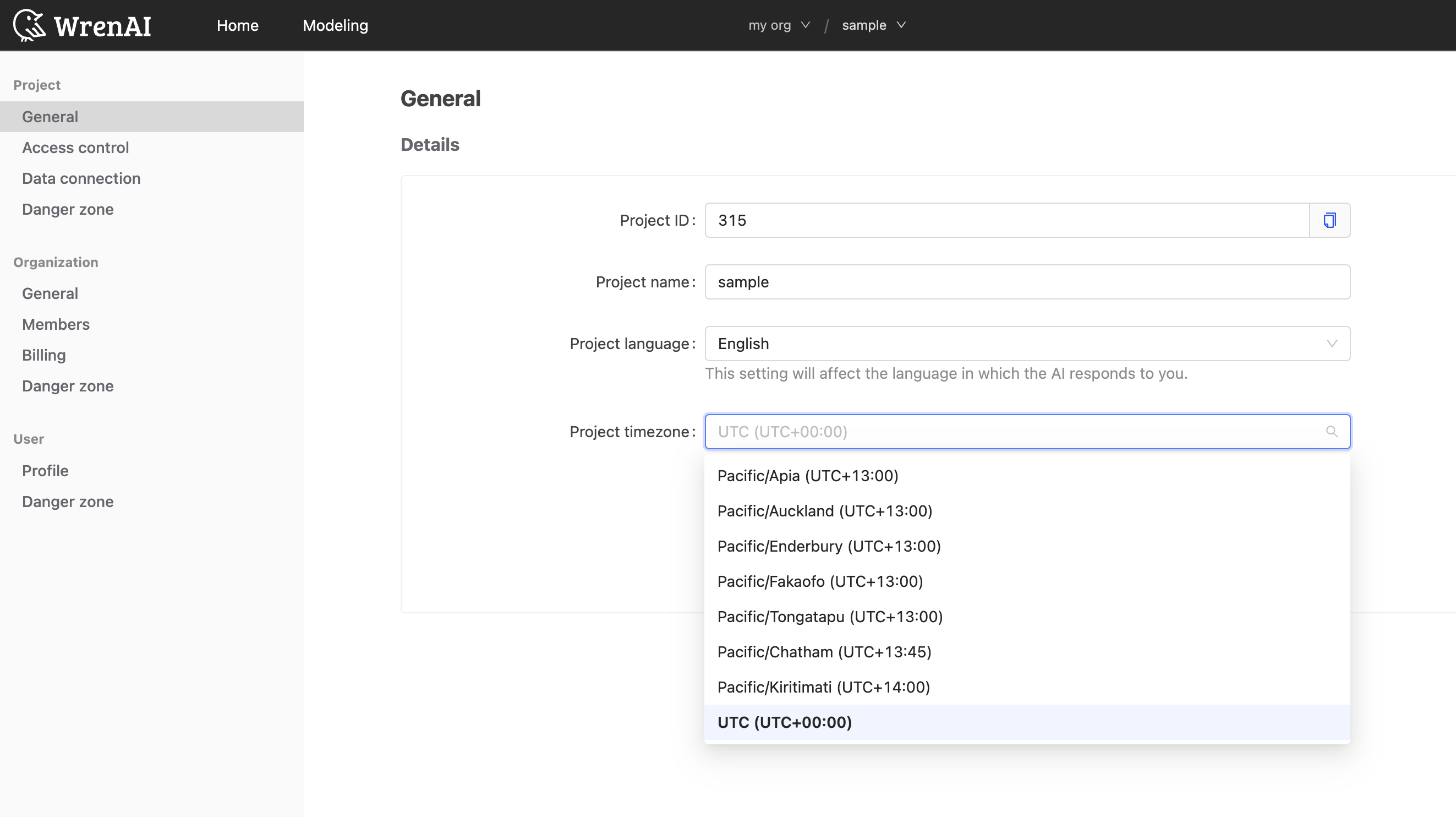
This setting controls how Wren AI interprets and presents timezone-sensitive results in the project.
For instance, if your team operates out of New York, you can set the timezone to America/New_York (UTC-05:00). Consequently, Wren AI will generate answers based on Eastern Time and display any timezone-related results in Eastern Time.