Langfuse Setup
Langfuse is an LLM engineering platform that helps you monitor, debug, and optimize your AI pipelines. It offers both self-hosted and cloud versions. With Langfuse, you can more easily debug and monitor your AI pipelines to understand what's happening under the hood.
Wren AI supports Langfuse for AI pipeline tracing and monitoring. After you have installed Wren AI, you can start using Langfuse by following the steps below.
In this guide, we will use the cloud version of Langfuse. If you want to use the self-hosted version, please refer to the Langfuse documentation.
To successfully connect to your own Langfuse instance from Wren AI, please make sure the following are configured correctly:
- You have a Langfuse instance running.
- You have the correct
langfuse_hostin~/.wrenai/config.yaml. - Wren AI (which runs in a Docker container) can access the Langfuse instance.
How to Set Up Langfuse
- Go to Langfuse and click the "Sign Up" button to register an account.
note
Make sure your data region is set to
EU, which means thelangfuse_hostishttps://cloud.langfuse.com, the same as the default value oflangfuse_hostin Wren AI. Otherwise, you need to change the value oflangfuse_hostin~/.wrenai/config.yamltohttps://us.cloud.langfuse.comlater.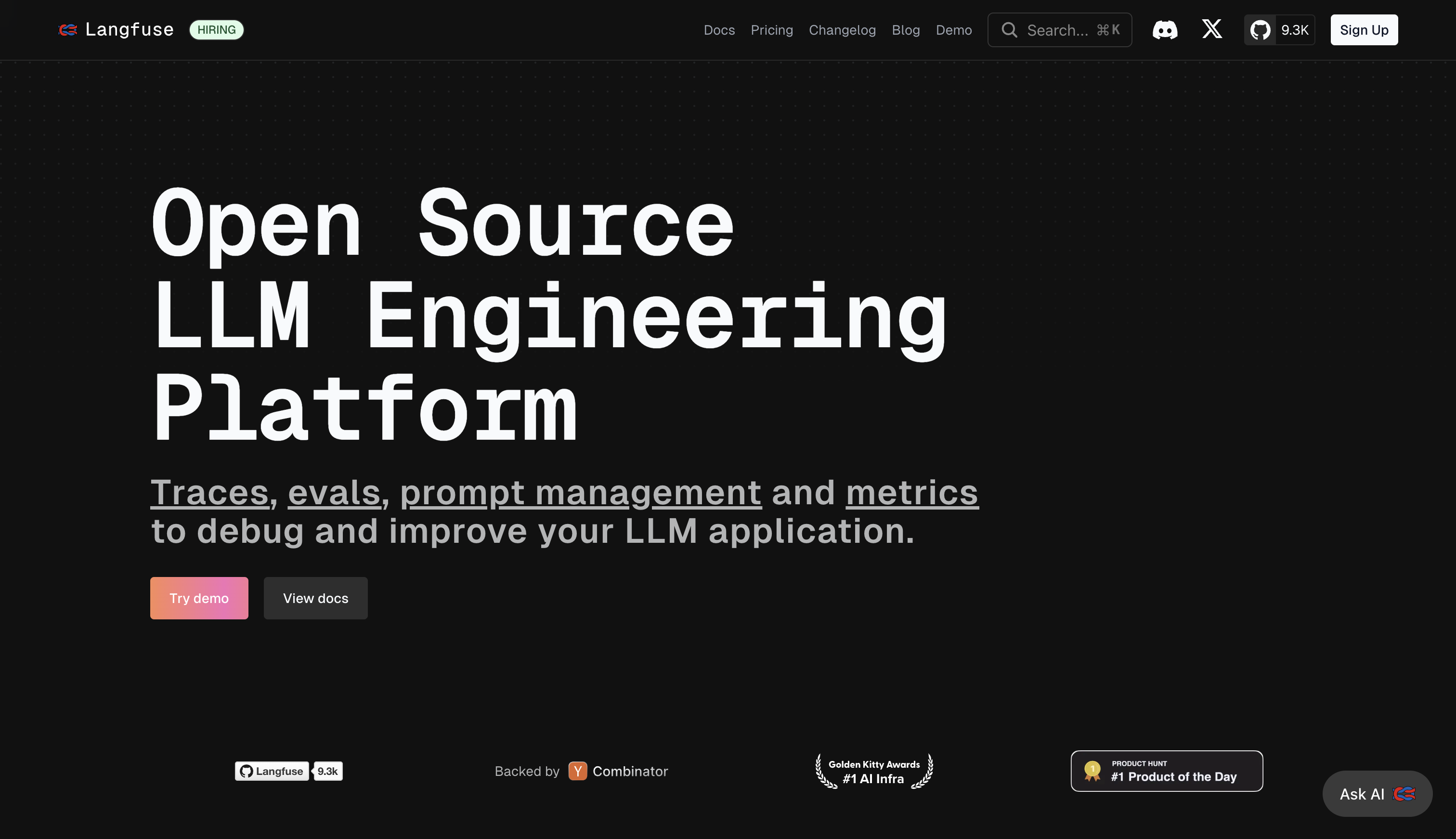
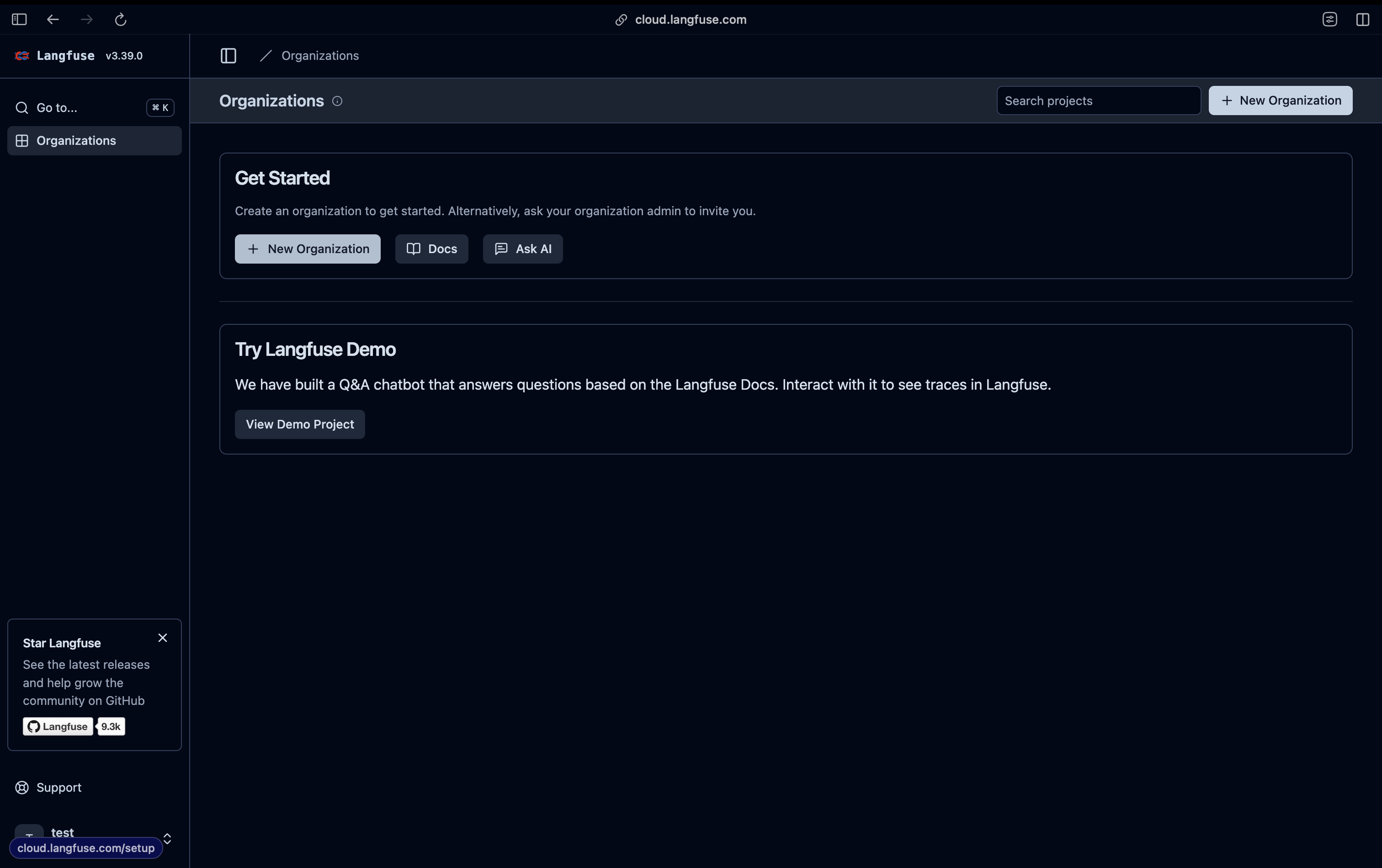
- Create a new organization and project.
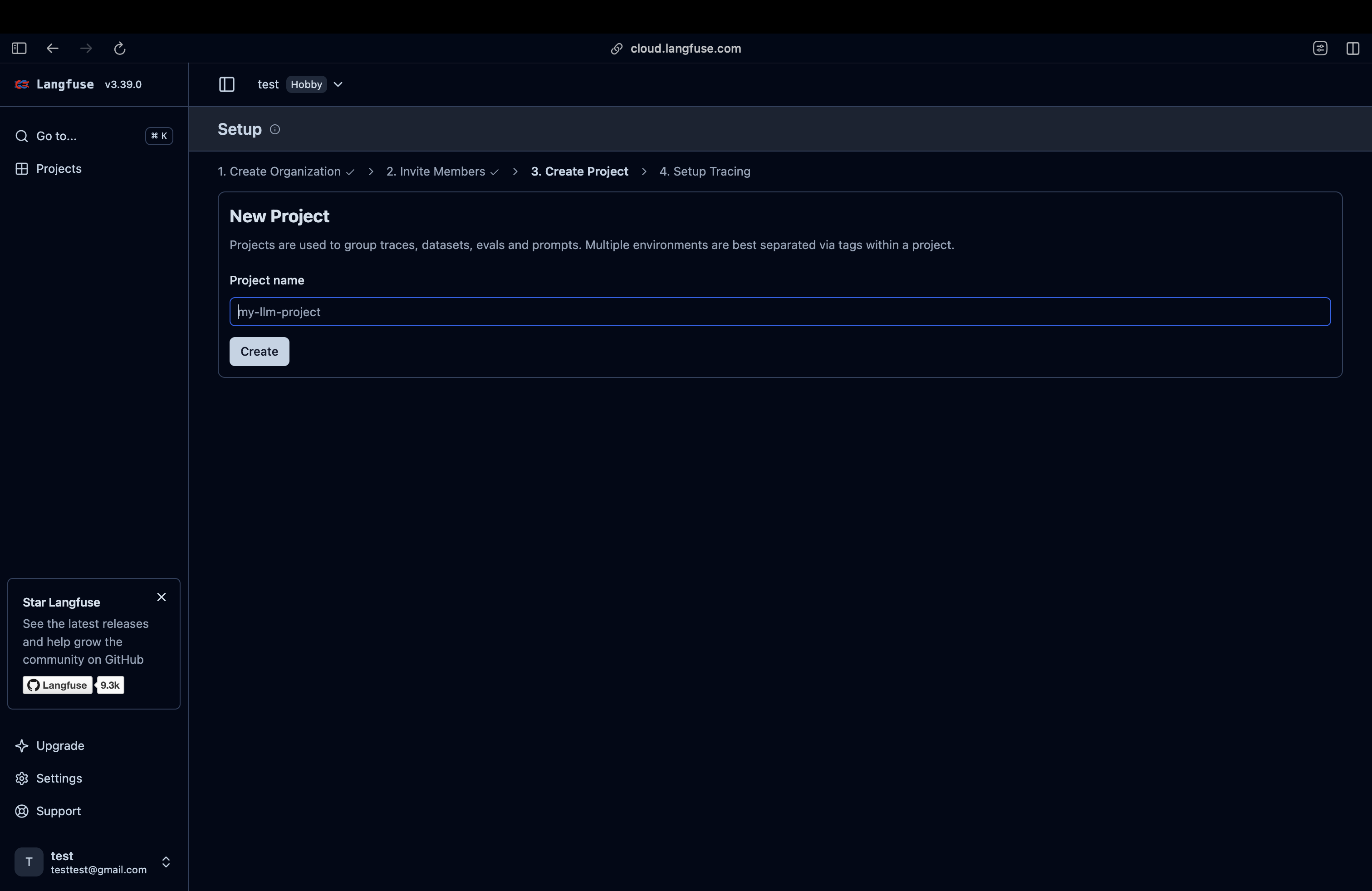
- Copy the secret key and public key from the project settings and fill them into the
~/.wrenai/.envfile. Two keys,LANGFUSE_PUBLIC_KEY=andLANGFUSE_SECRET_KEY=, should already be inside.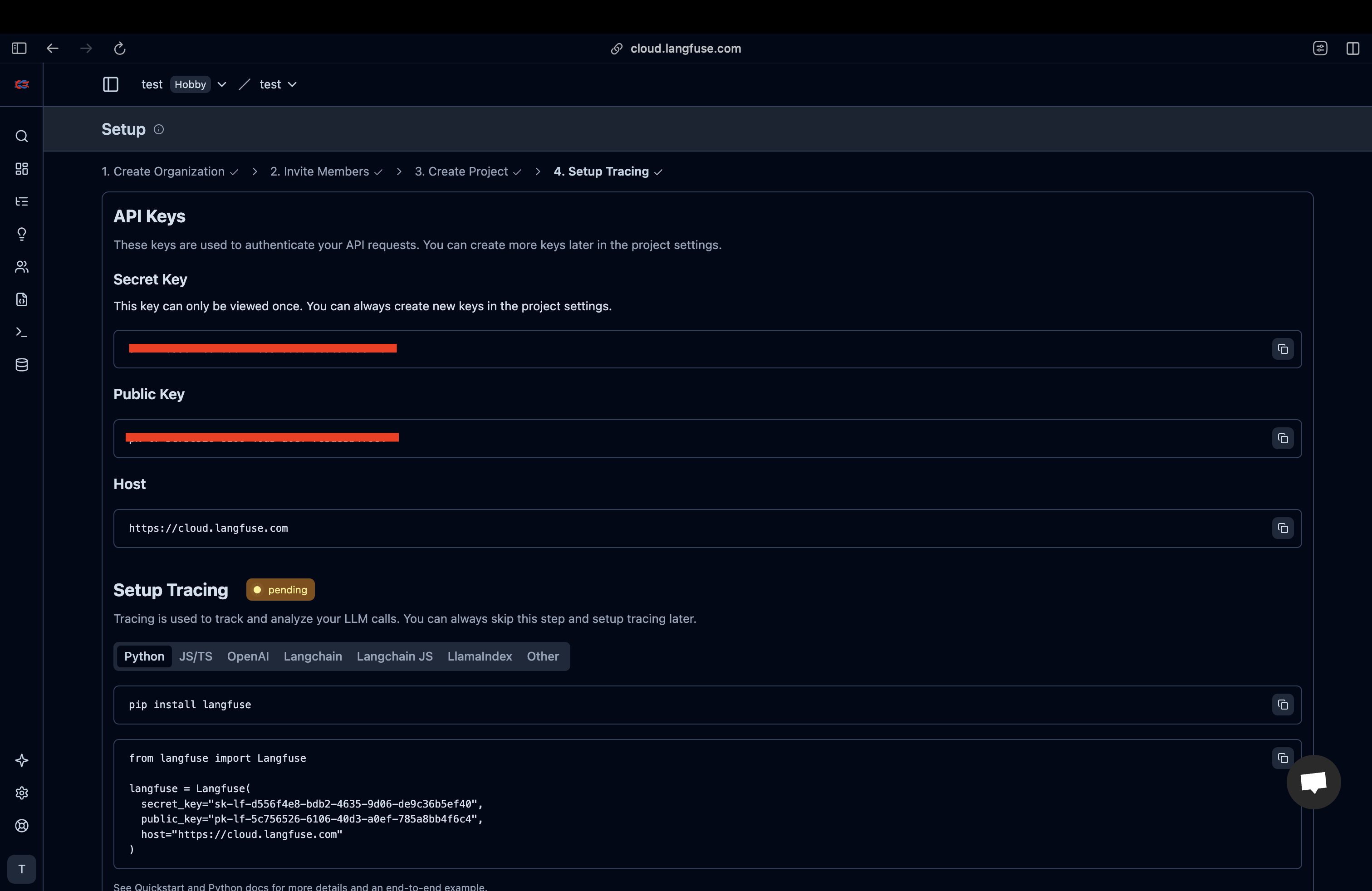
- Relaunch Wren AI using the launcher.
How to Use Langfuse
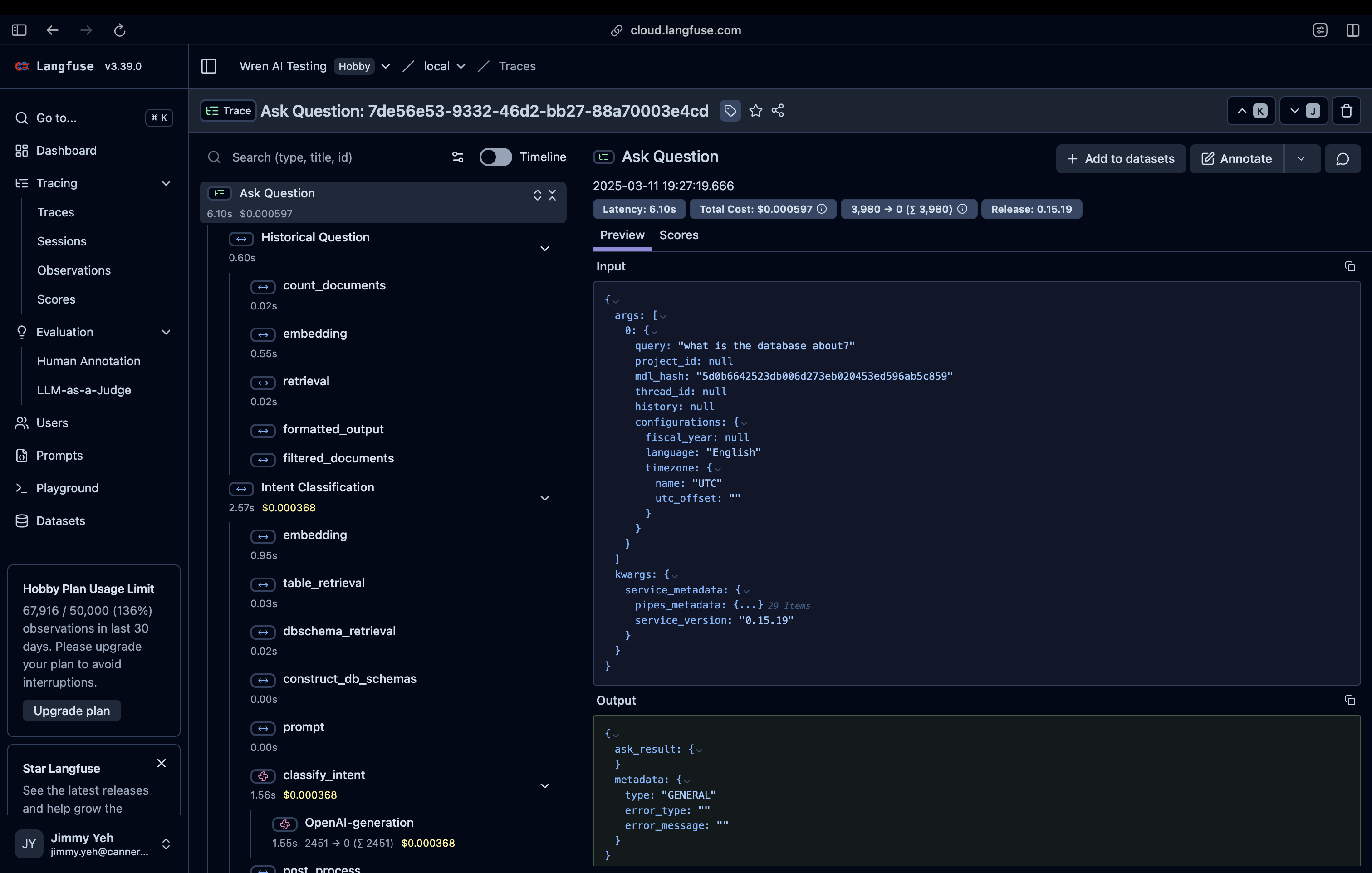
After you have set up Langfuse and restarted Wren AI, ask a question in Wren AI and you will see traces appear in the Langfuse traces tab within a few seconds. The IDs are clickable, and you can see the details of the traces inside.
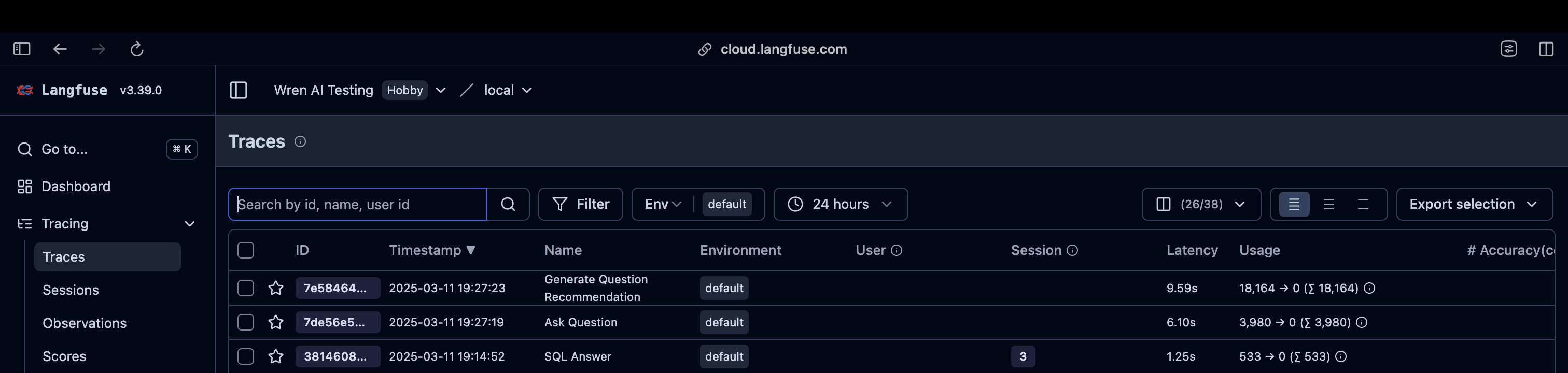
On the trace details page, you can see the details of the trace, including the prompt, response, and execution time of each step.