Project Settings
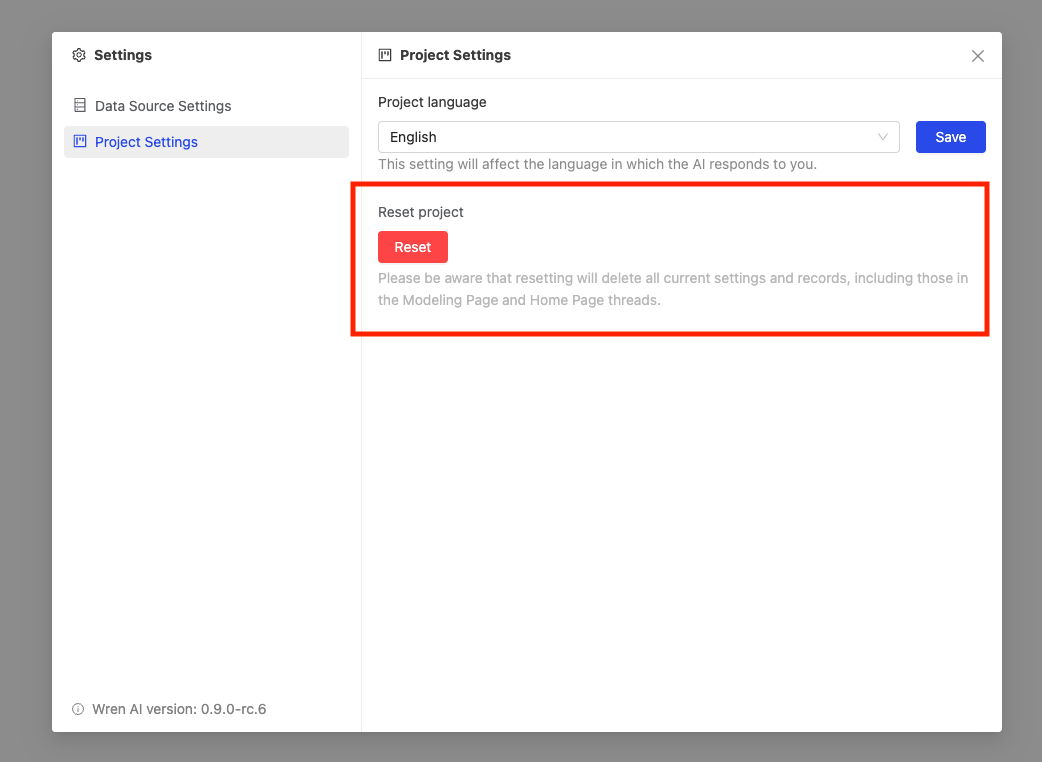
Use Settings > Project Settings to manage project-wide behavior such as resetting the current project or changing the response language.
Reset project
warning
Resetting the project clears the existing project state, including settings and history records in both the Modeling page and the Home page.
Use this only when you want to discard the current project setup and start again.
To reset the project:
- Go to Settings > Project Settings.
- Click Reset.
Change project language
You can change the project language from General. This affects the language Wren AI uses when responding in the project.
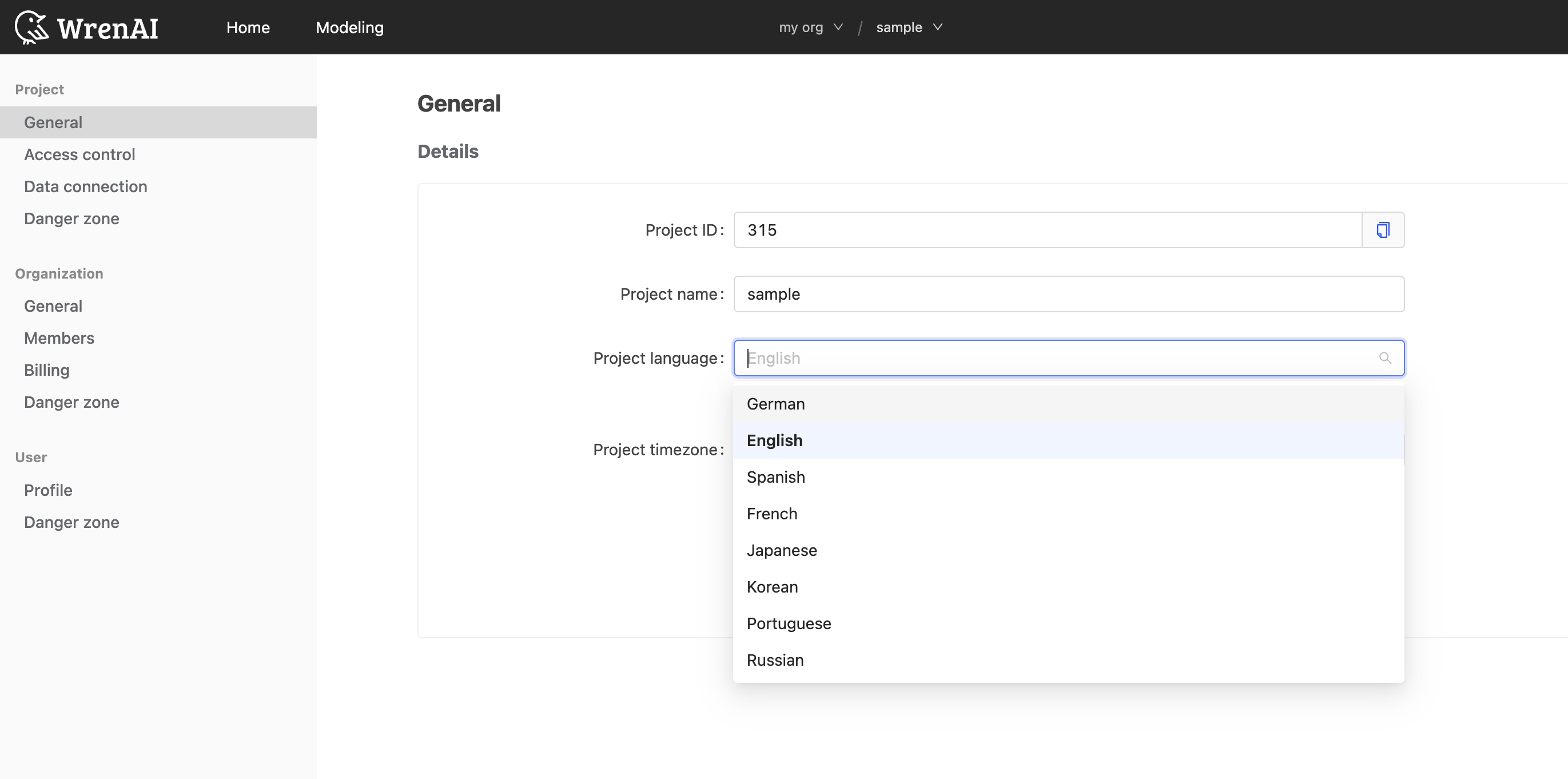
Supported languages:
- English
- German
- Spanish
- French
- Japanese
- Korean
- Portuguese
- Russian
- Simplified Chinese
- Traditional Chinese