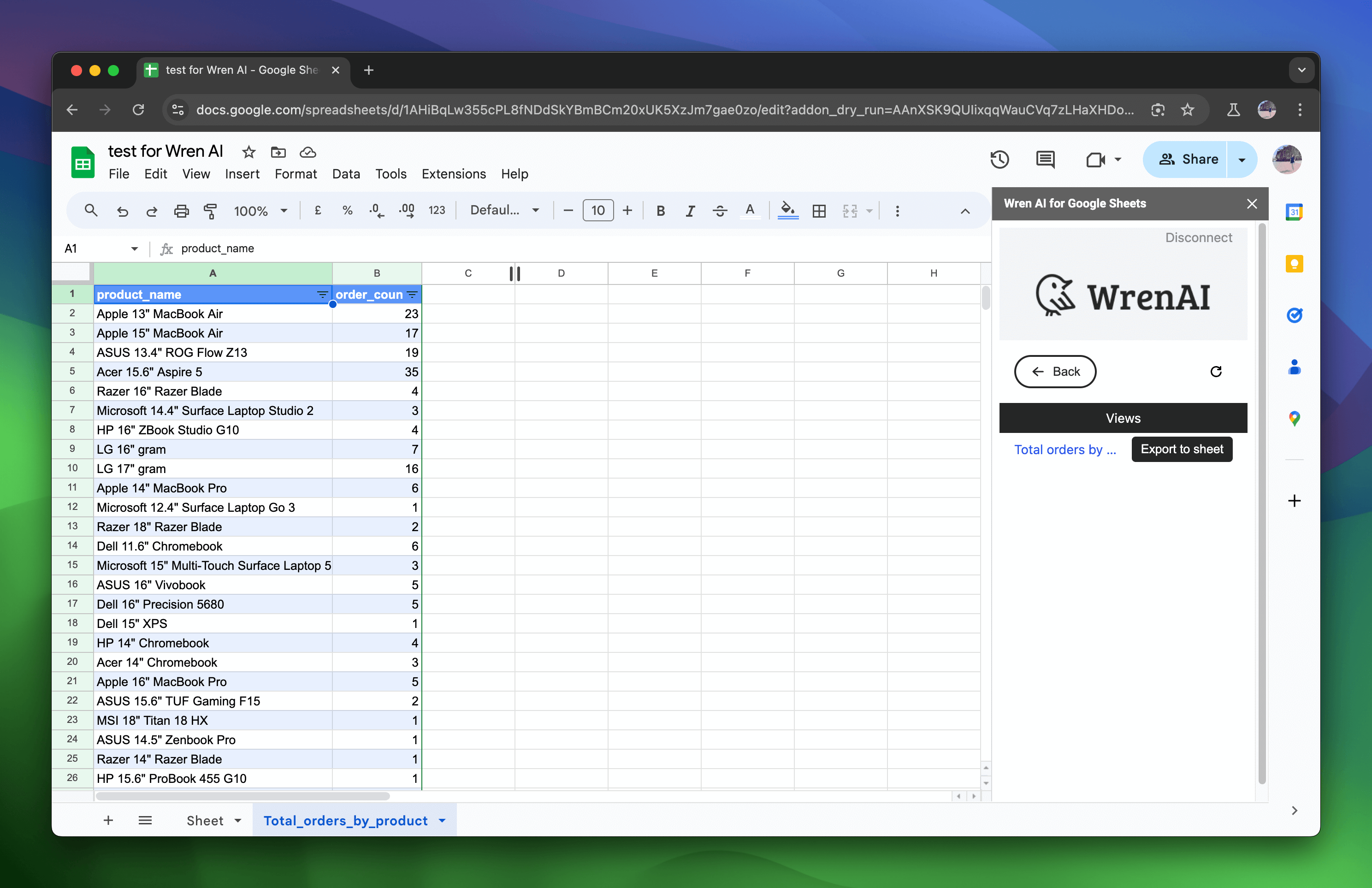
Connect from Google Sheets
Use this page to install the Wren AI Google Sheets add-on and export thread or view results into Google Sheets.
Wren AI provides a Google Sheets add-on that lets users select specific threads or views and export their results into Google Sheets in a few clicks.
Installation
Install Wren AI for Google Sheets™ from Google Workspace Marketplace
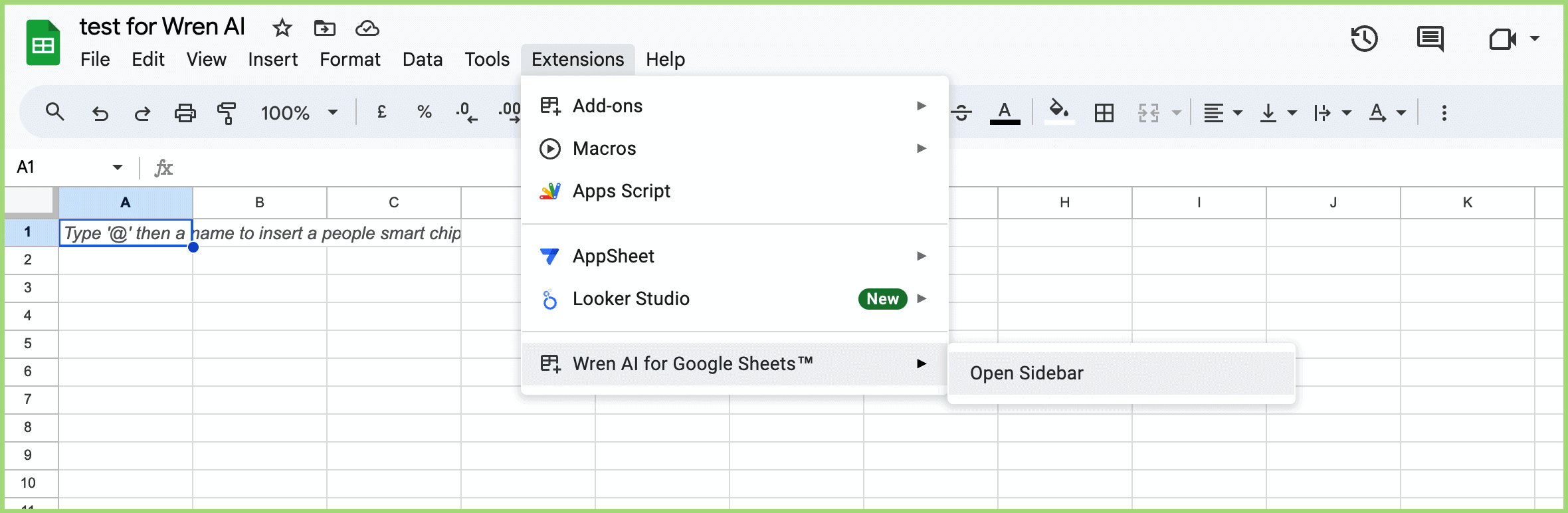
- Find
Extensions>Wren AI for Google Sheets™>Open Sidebar
(If you don't see it after installing, please reload your page.)
Usage Guides
Export a Thread Result
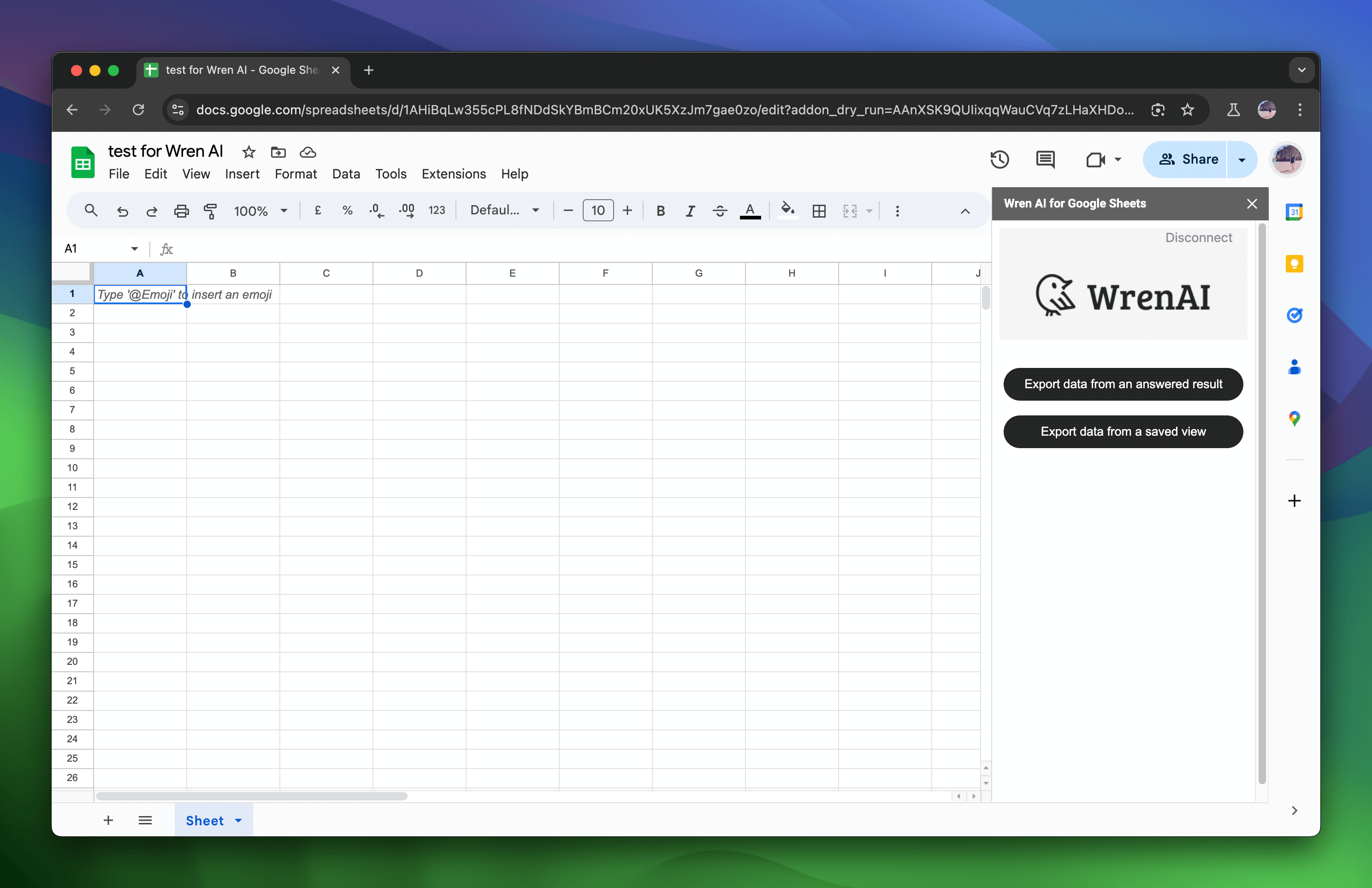
Select Export data from an answered result
You will receive the thread history from the Wren AI server. Choose one to explore the thread.
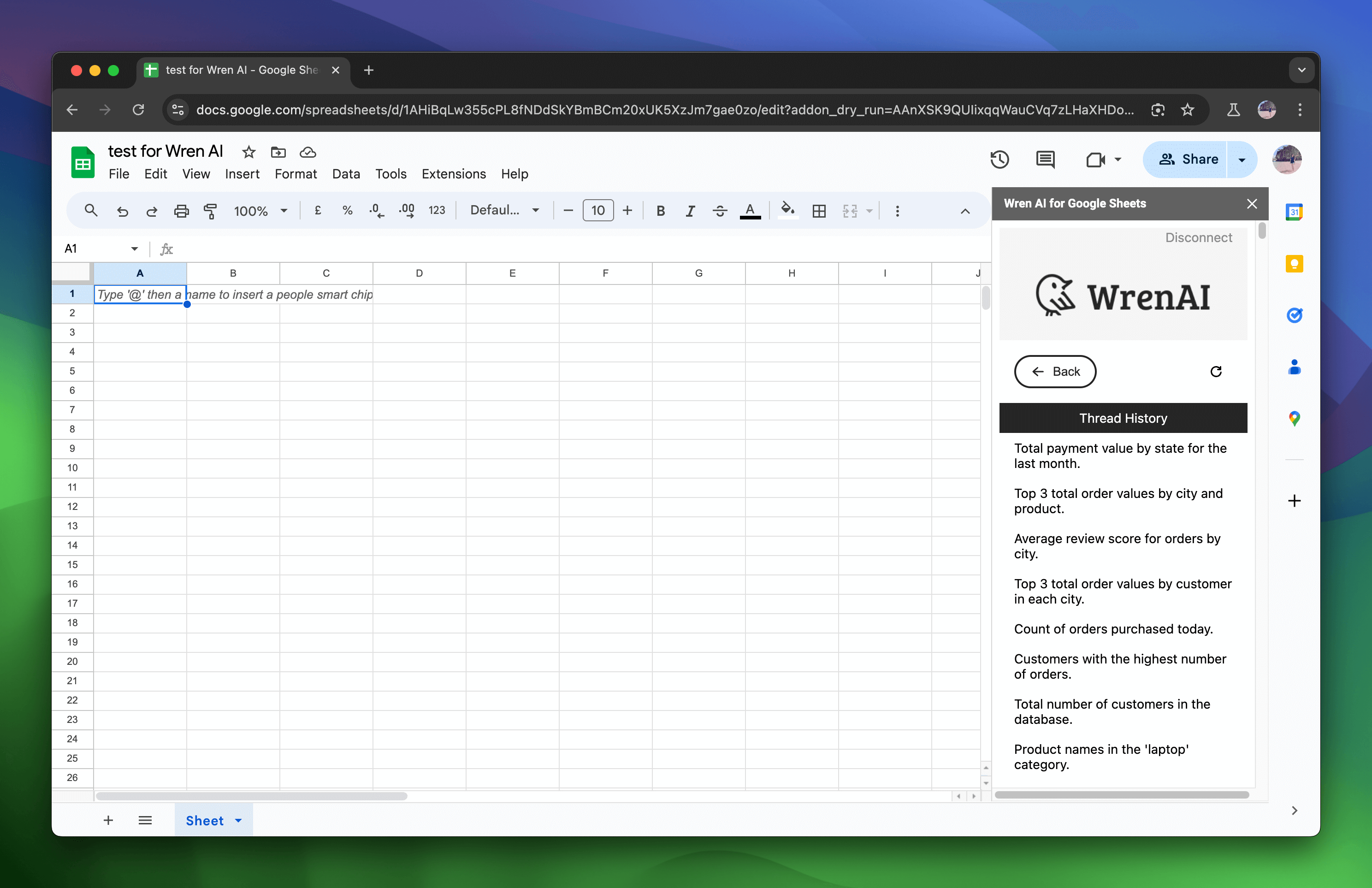
In the thread, all the following questions asked on the Wren AI server will be displayed. Both the question and the summary will appear on the page.
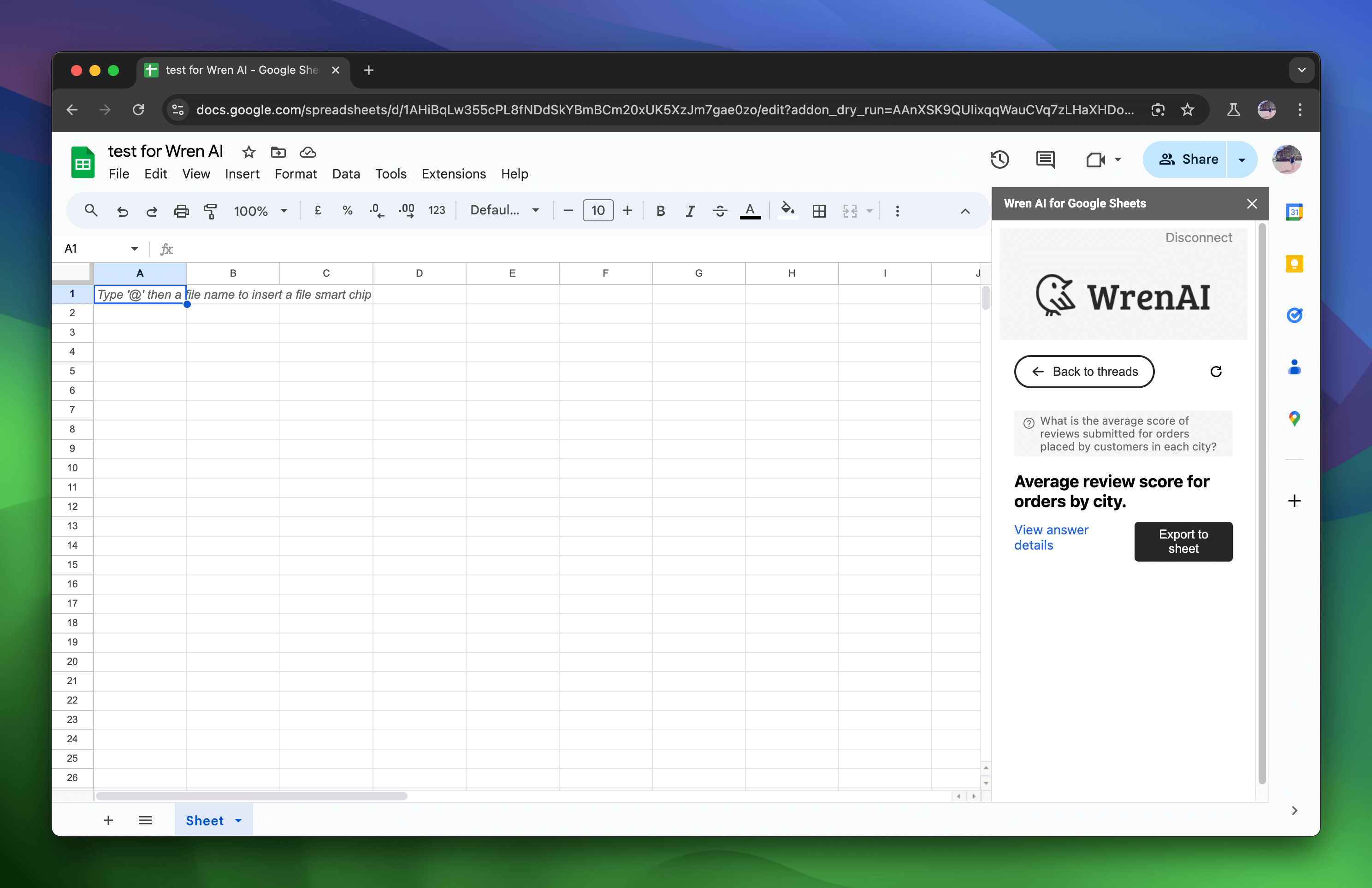
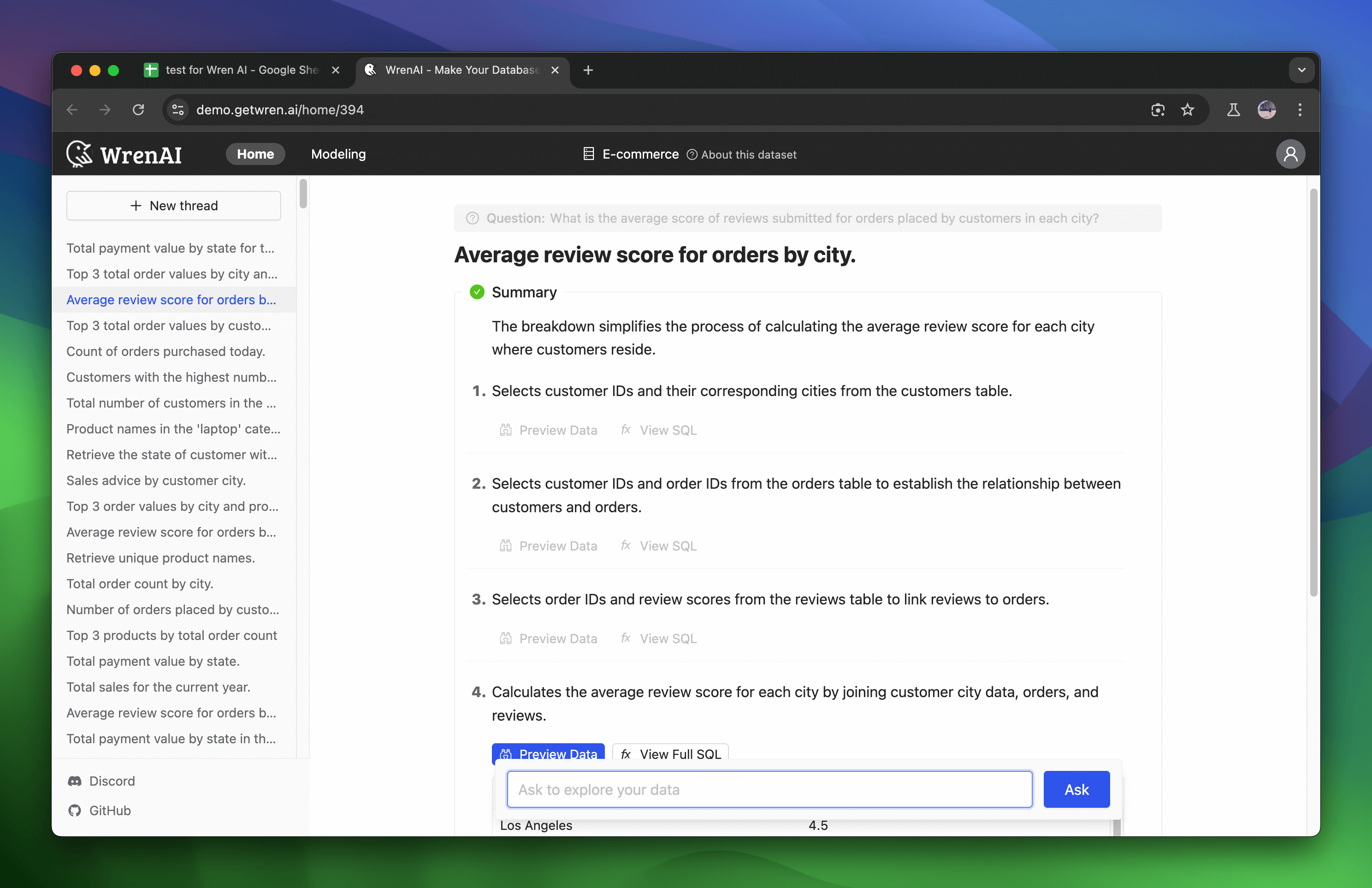
To see the thread details, click View answer details to navigate to the thread page.
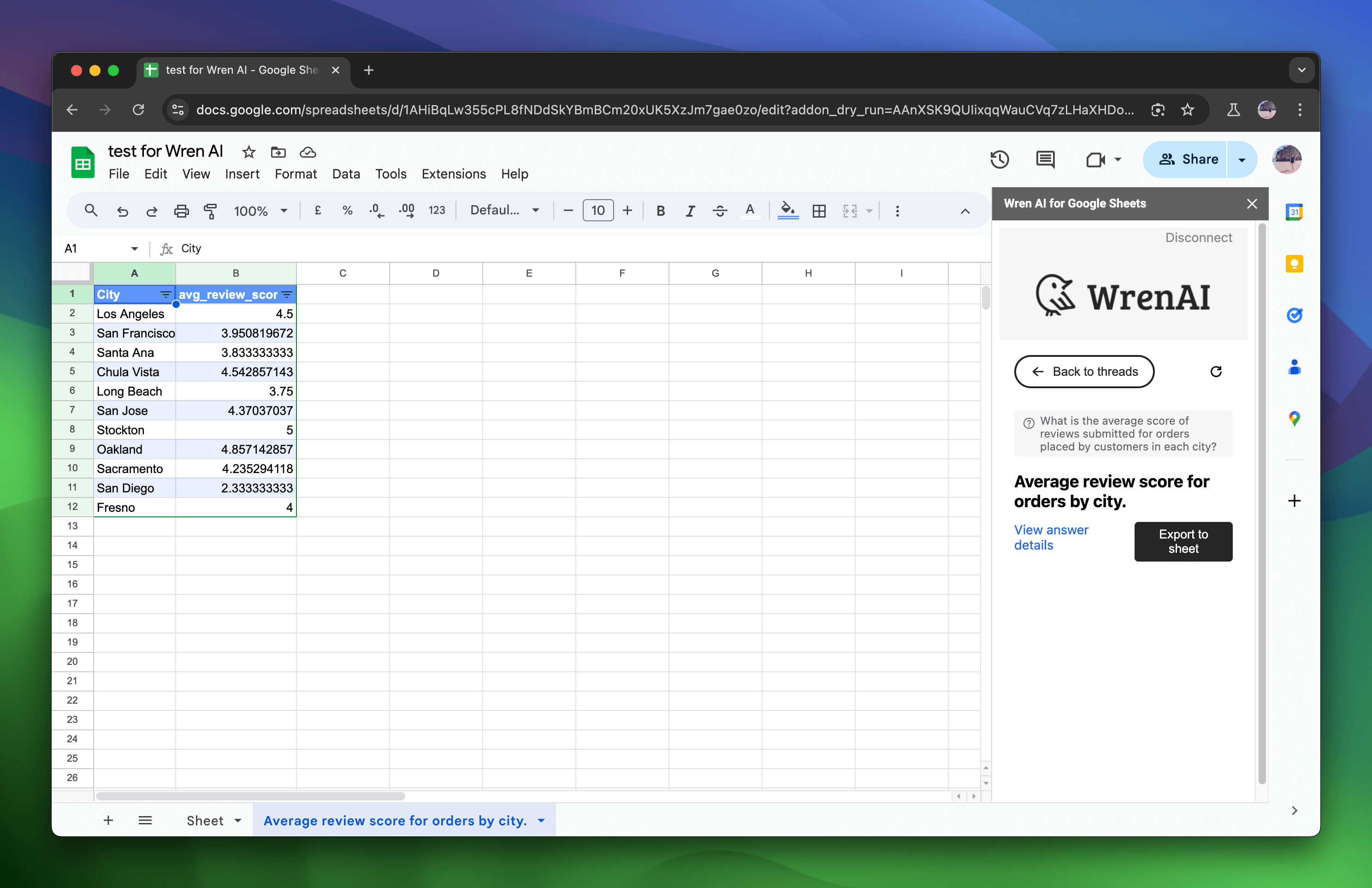
To export data, click the Export to Sheet button. This will export your thread results into a sheet, opening a new sheet to display the data.
Export a View Result
Select Export data from a saved view
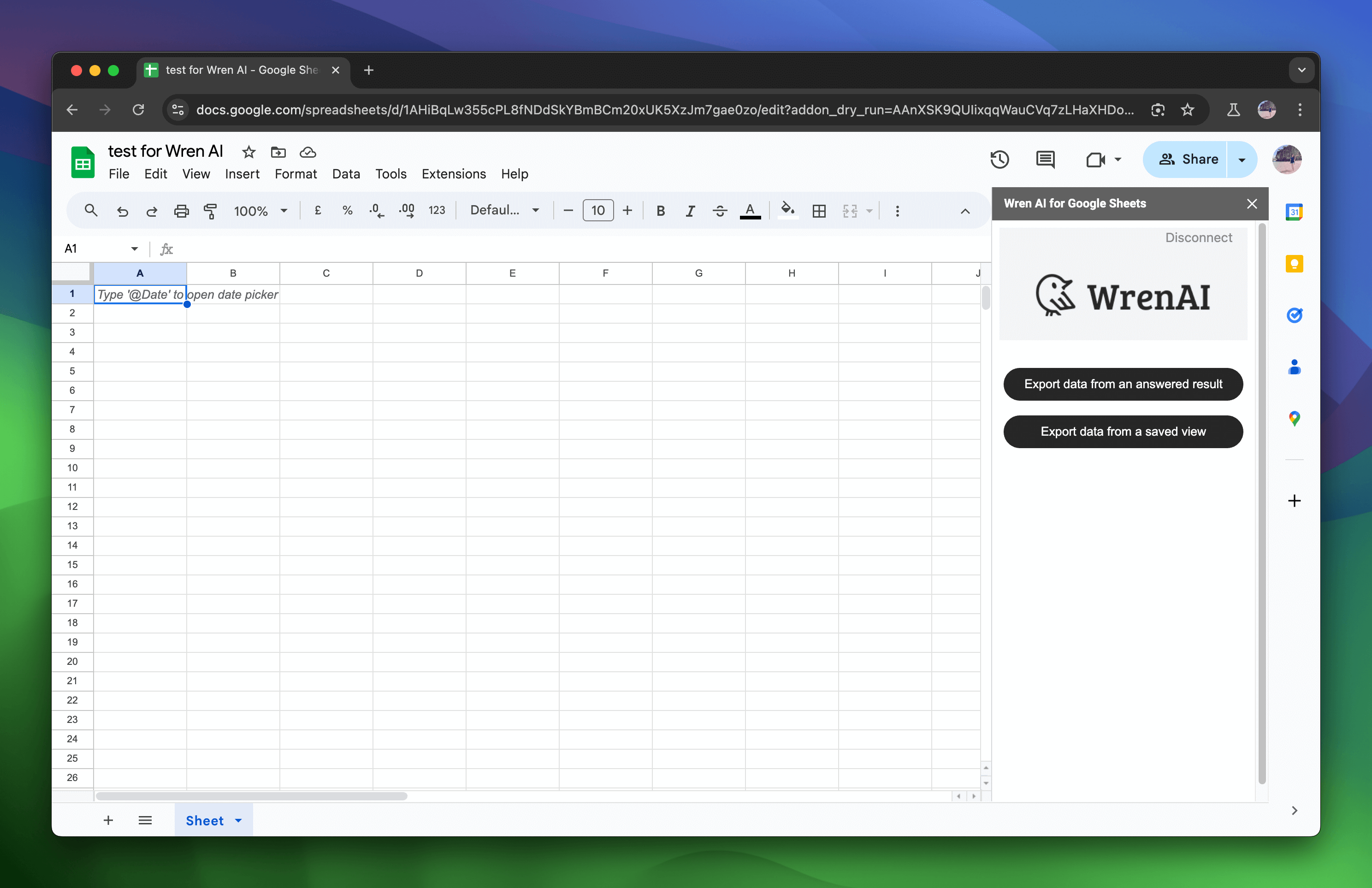
You will receive all the saved views from the Wren AI server.
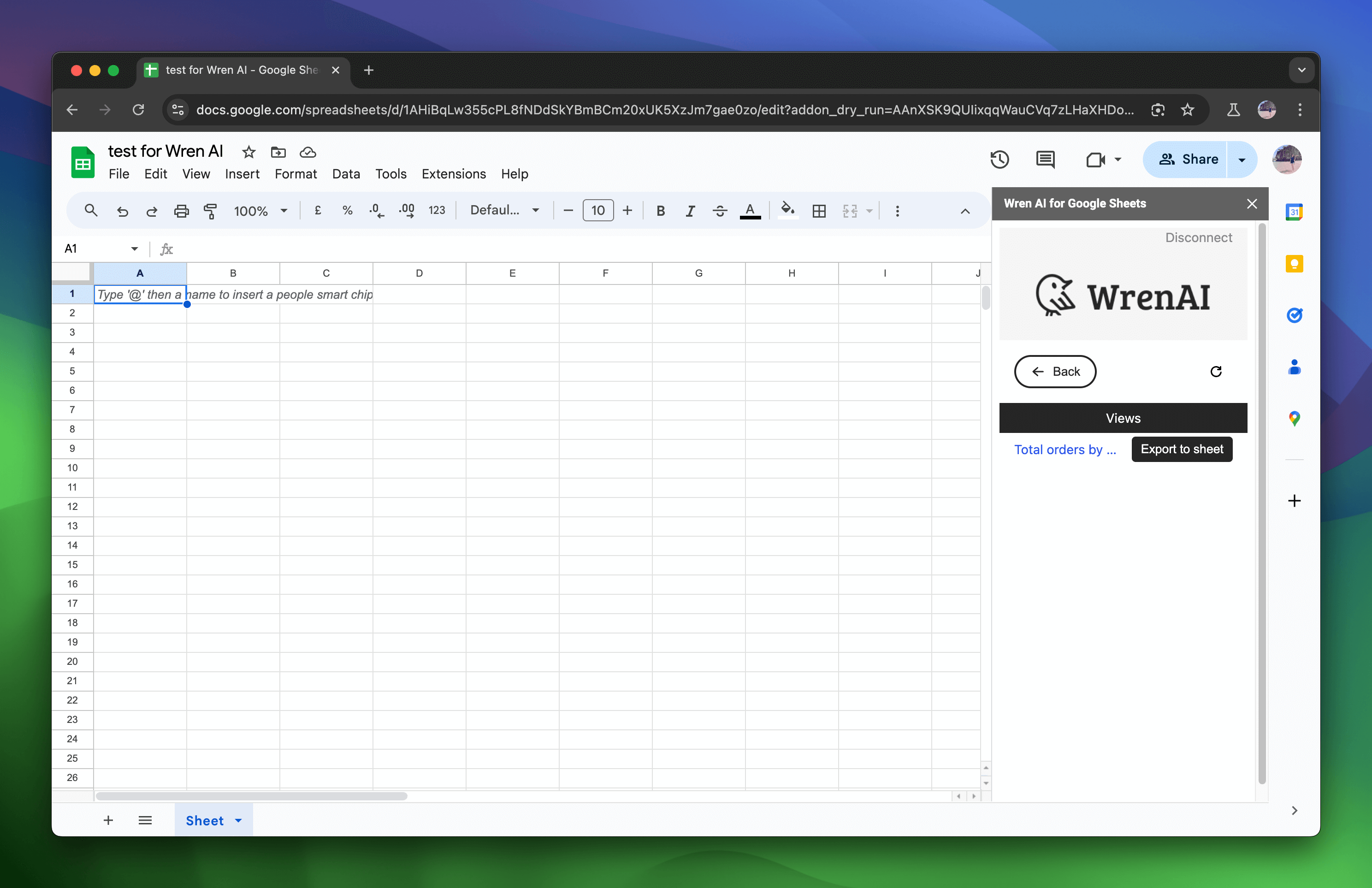
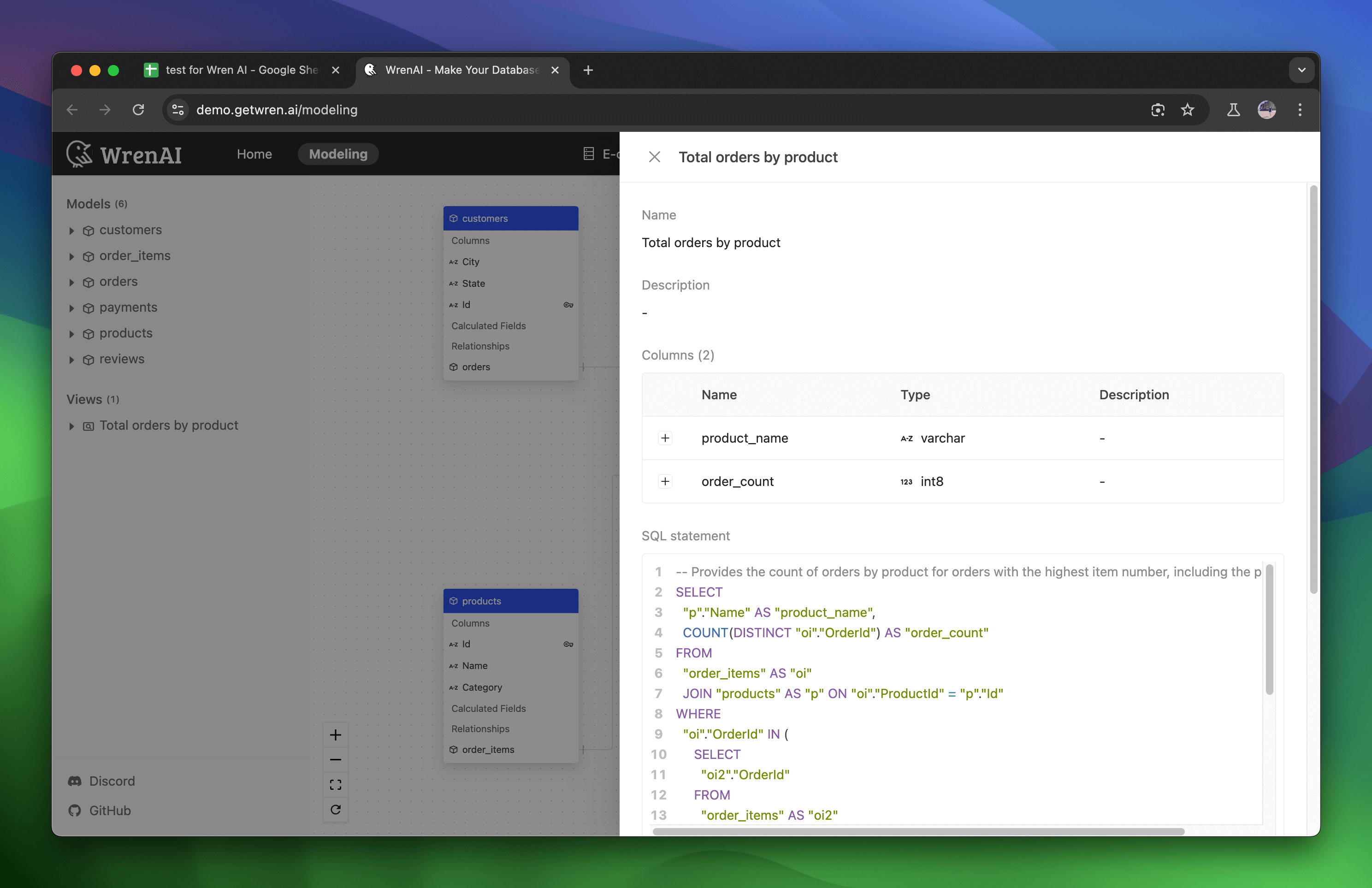
To see the view details, click on the view to navigate to the Modeling page and check the view metadata.
To export data, click the Export to Sheet button. This will export your view data into a sheet, opening a new sheet to display the data.