Connect from Excel
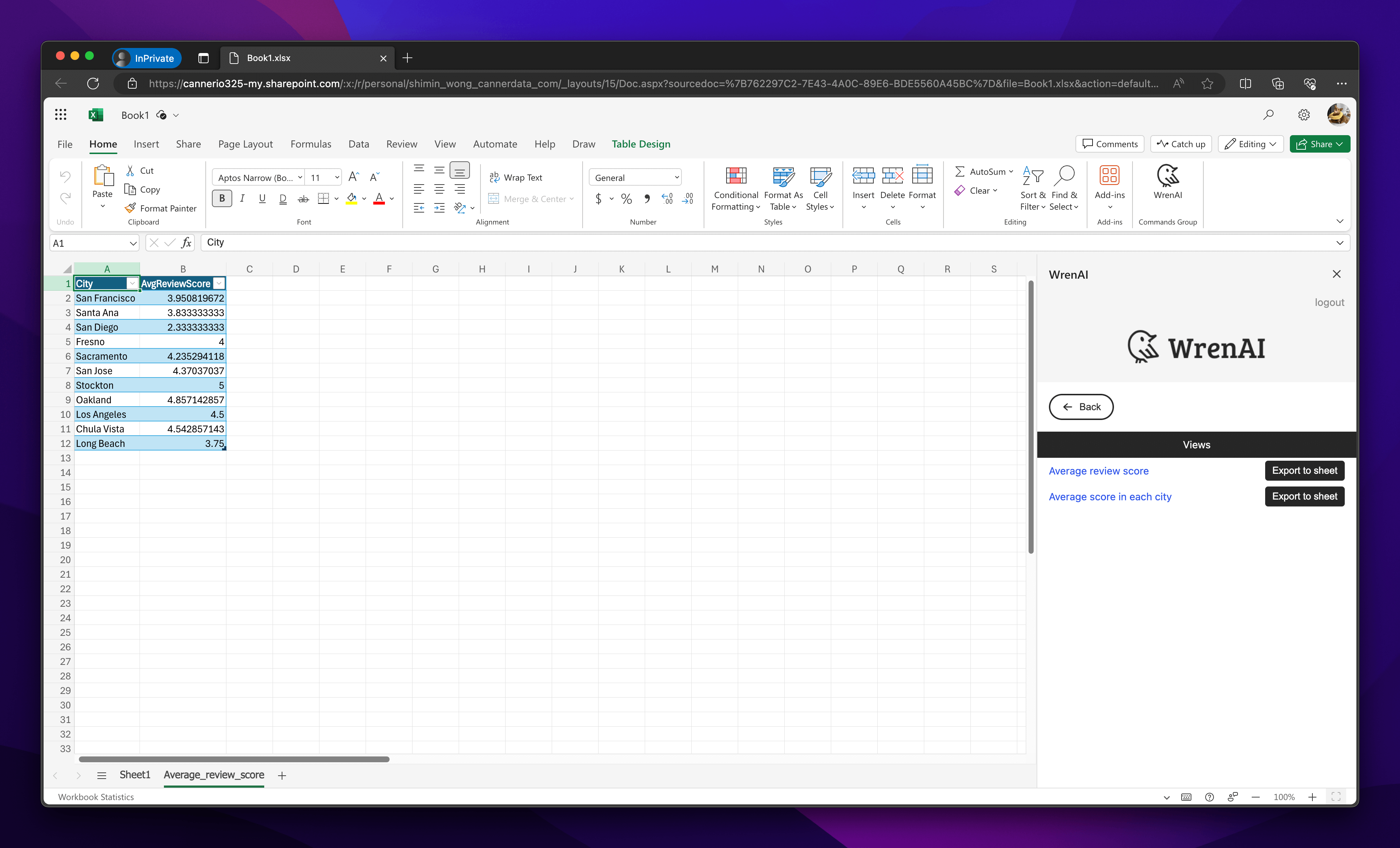
Use this page to install the Wren AI Excel add-in and export thread or view results into Excel.
Wren AI provides an Excel add-in that lets users select specific threads or views and export their results to Excel in just a few clicks.
Installation Guides
Install from Microsoft AppSource
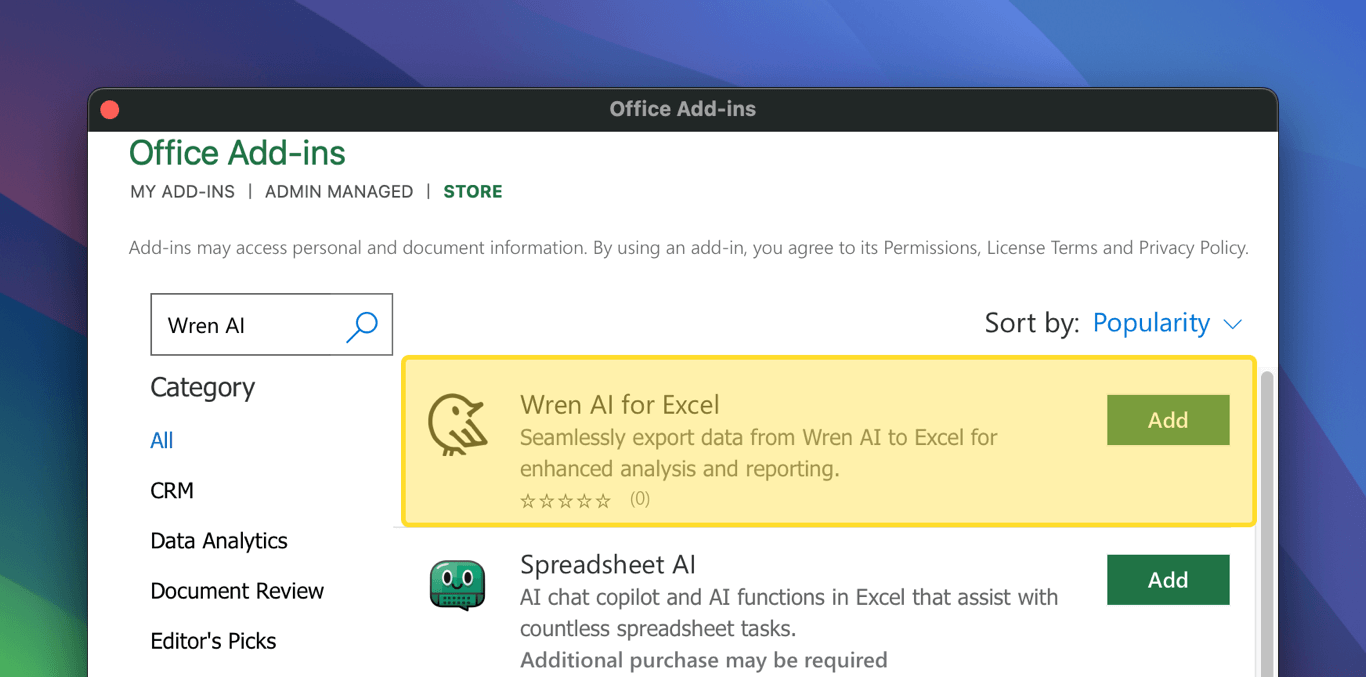
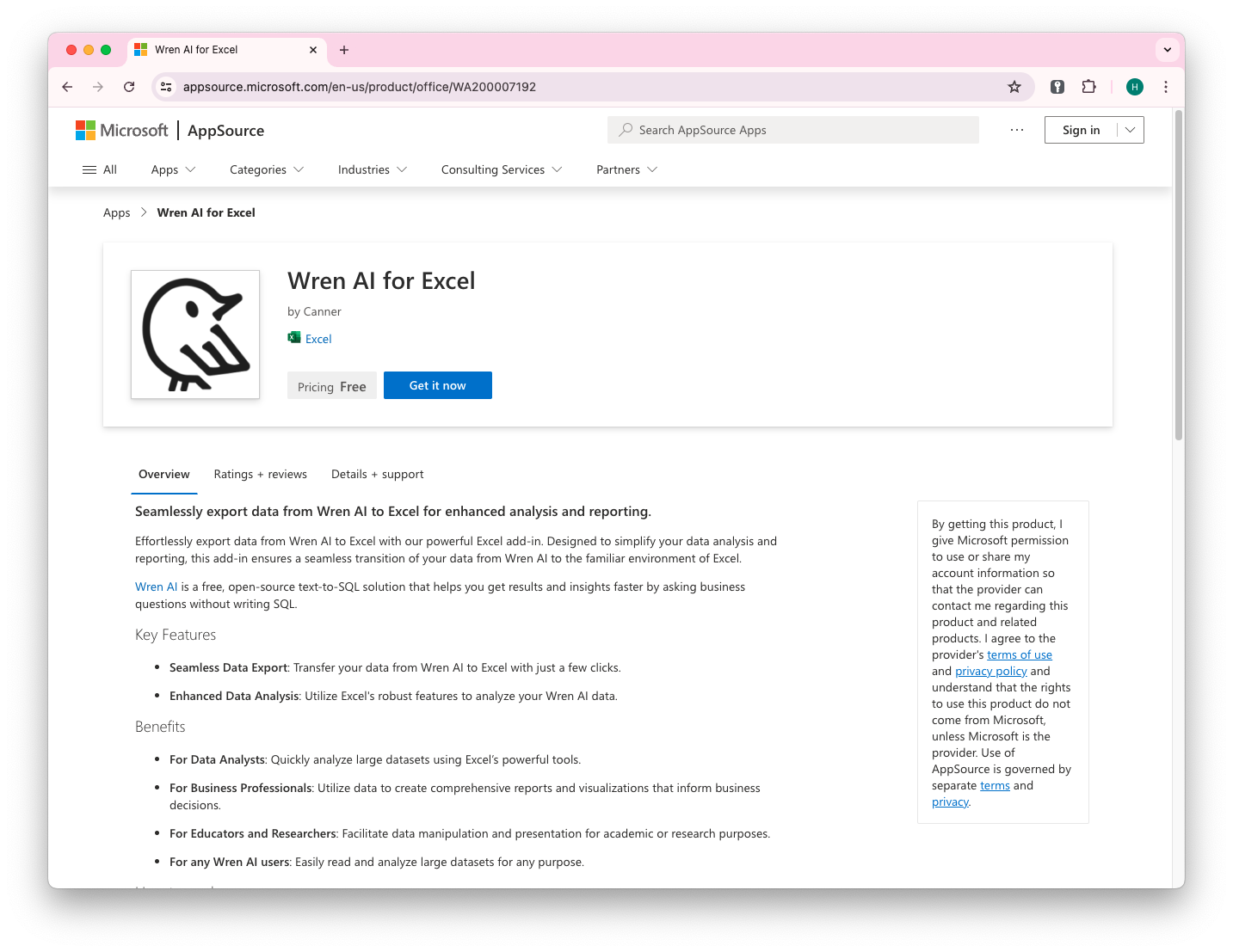
AppSource link:
Products supported:
- Excel 2021 or later on Windows
- Excel 2021 or later on Mac
- Excel on the web
- Excel on Mac (Microsoft 365)
- Excel on Windows (Microsoft 365)
Due to Mixed content issues, the Office Desktop and Safari browser do not support HTTP or localhost URL connections; only HTTPS is supported.
For better support, we recommend using Office Online with Chrome or Edge.
Installation
Click Get it now in Microsoft AppSource.
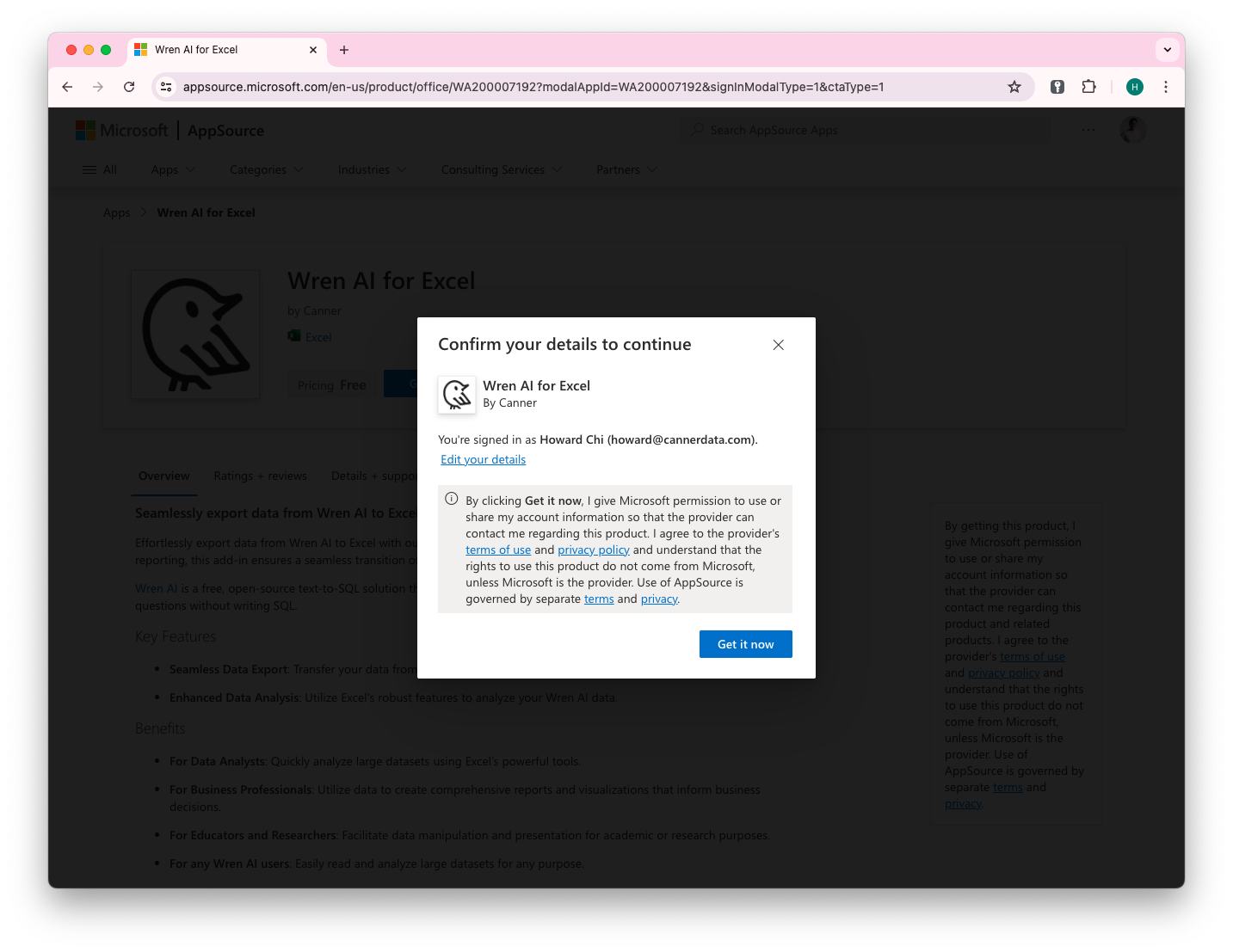
Confirm details
You will be asked to confirm your details before continuing.
Deploy Application
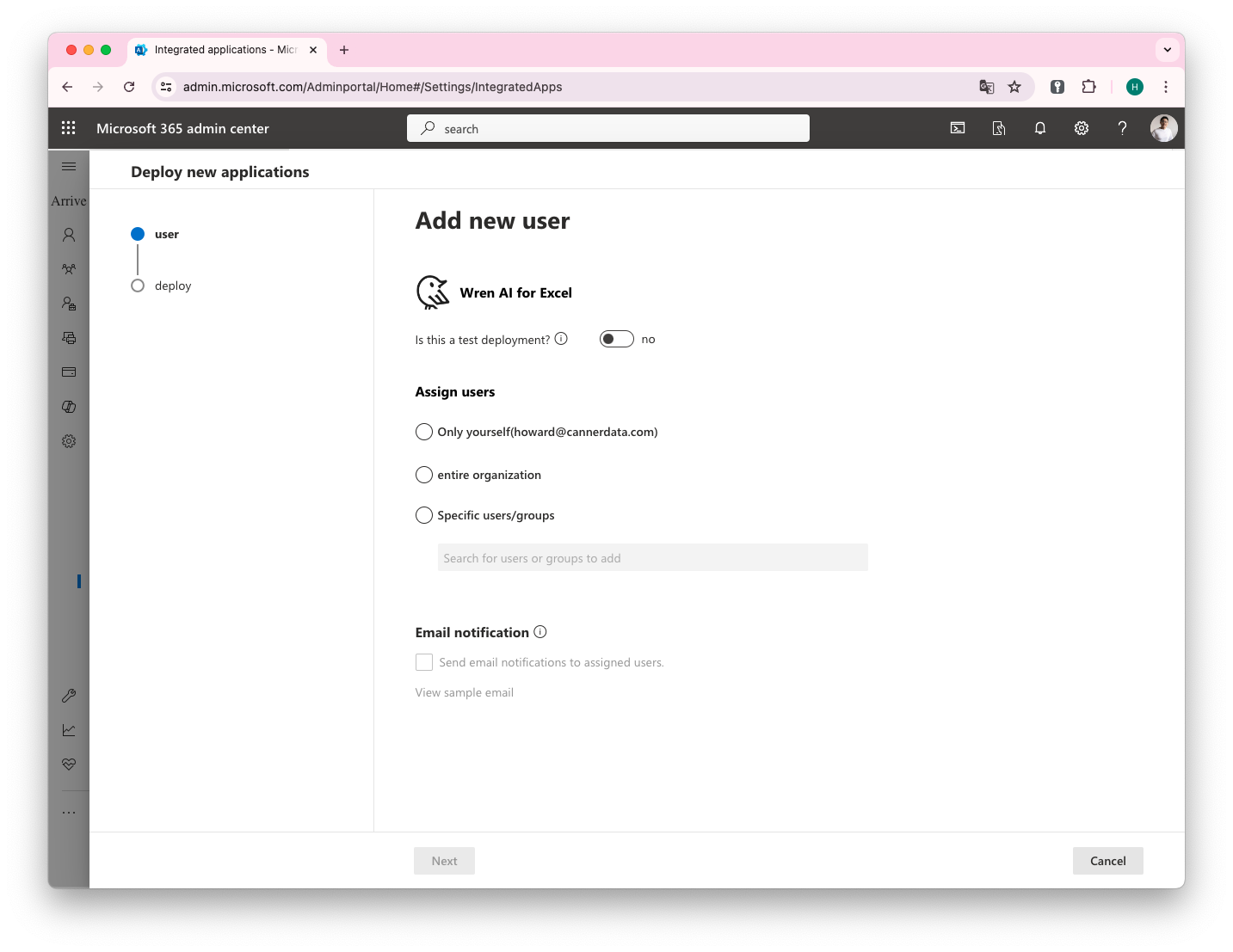
After clicking Get it now, you'll be guided to the deployment page, where you can choose whether to deploy to an individual account, your organization, or others.
Usage Guides
Export a Thread Result
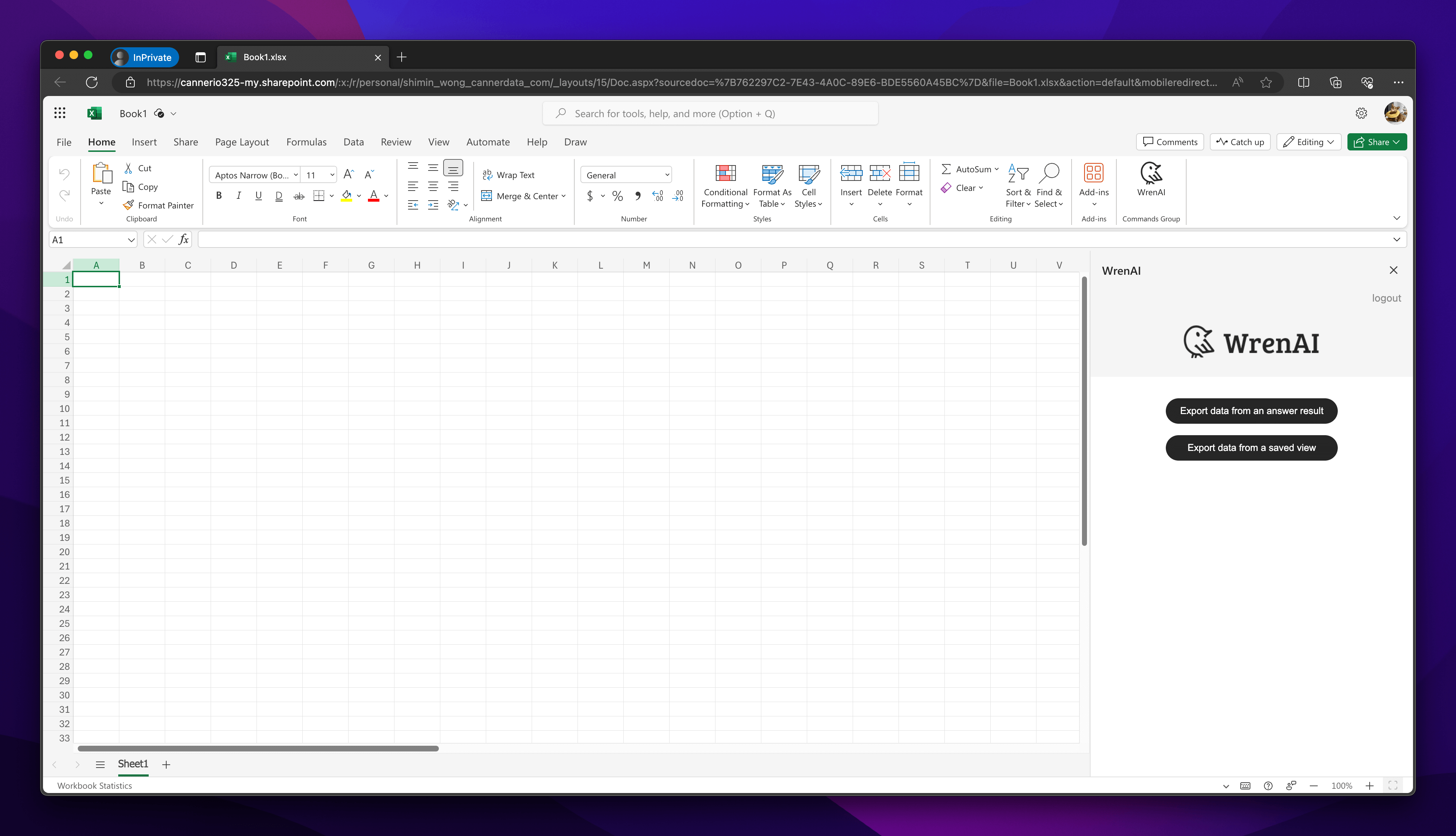
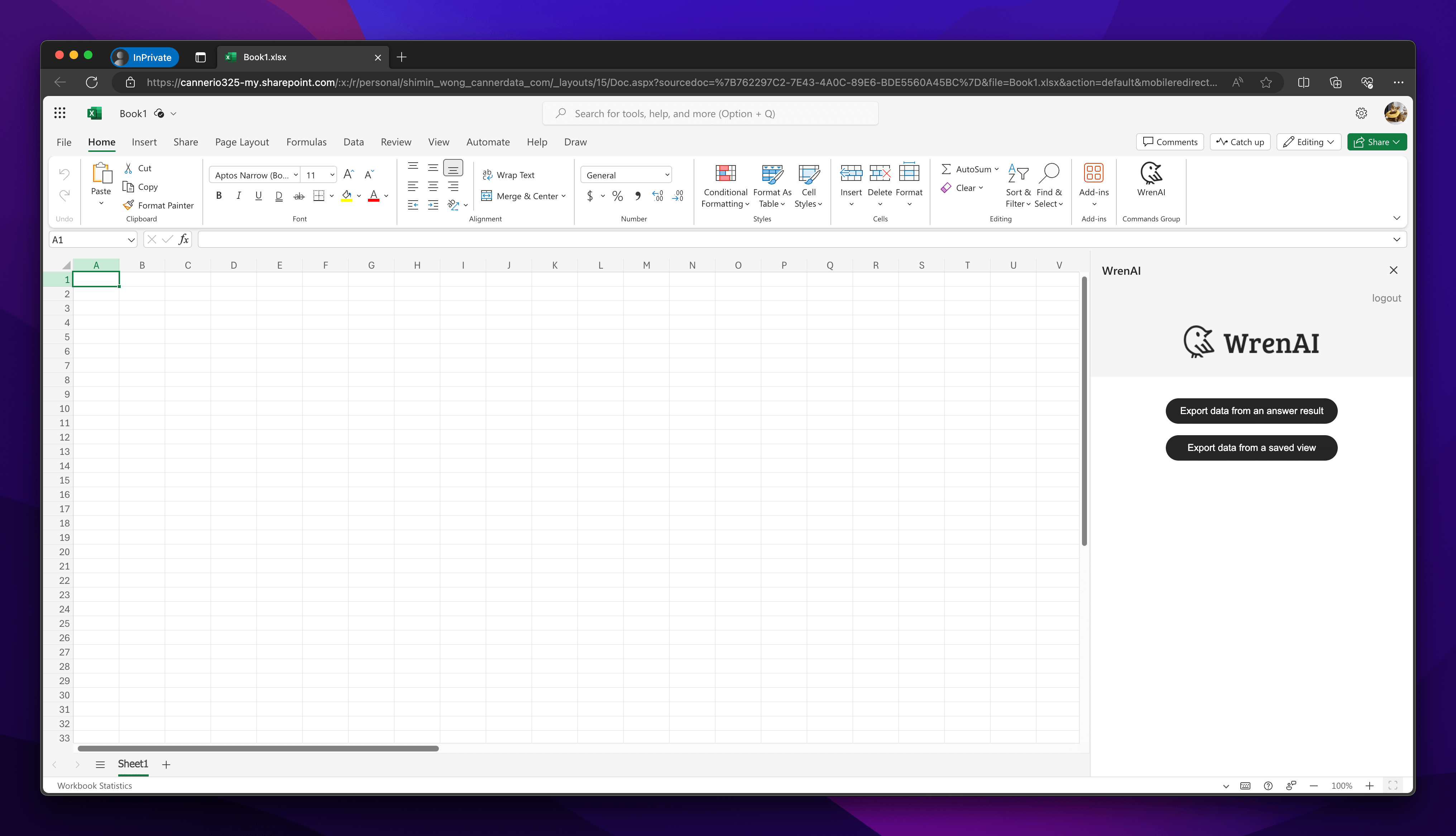
Select Export data from an answered result
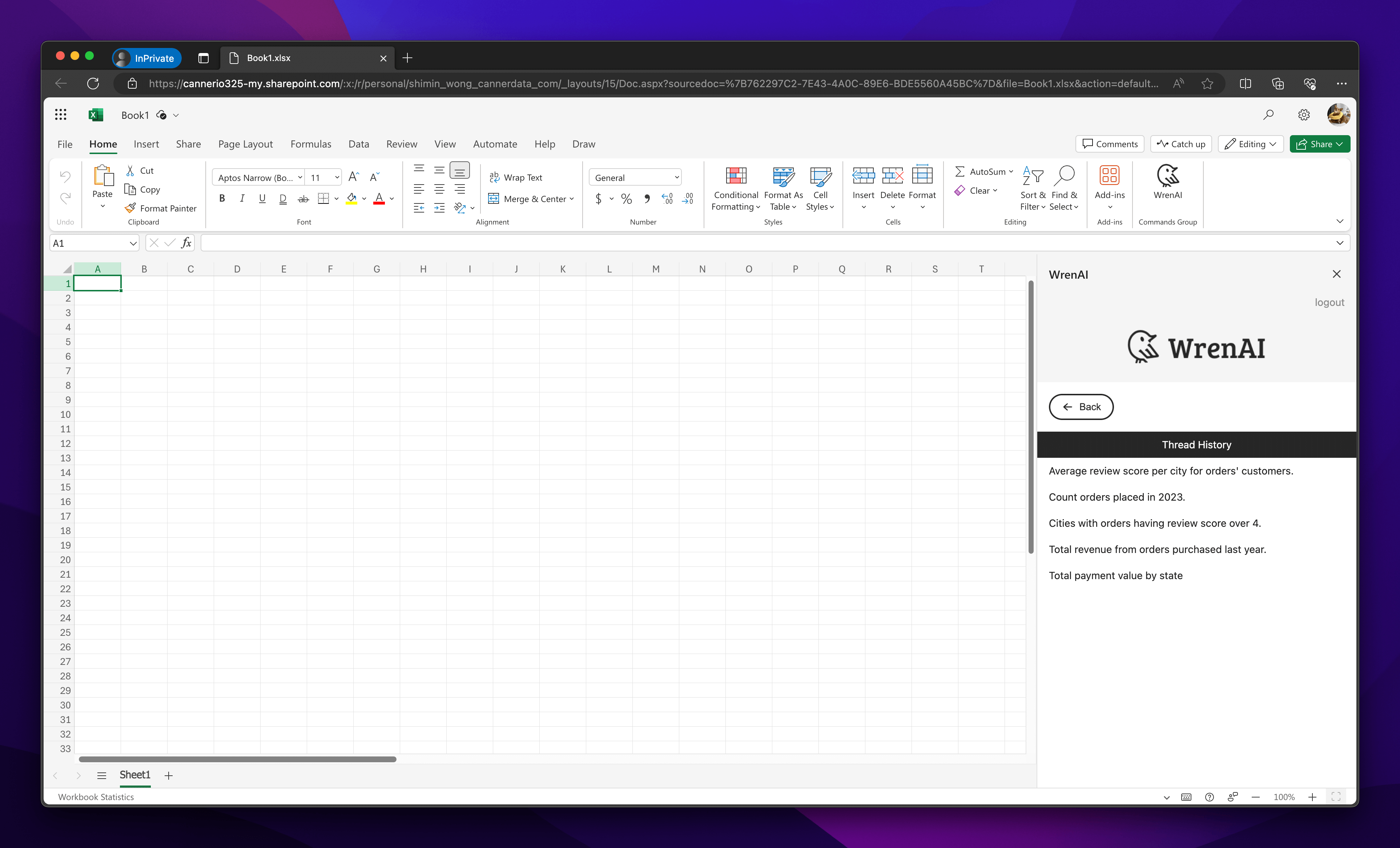
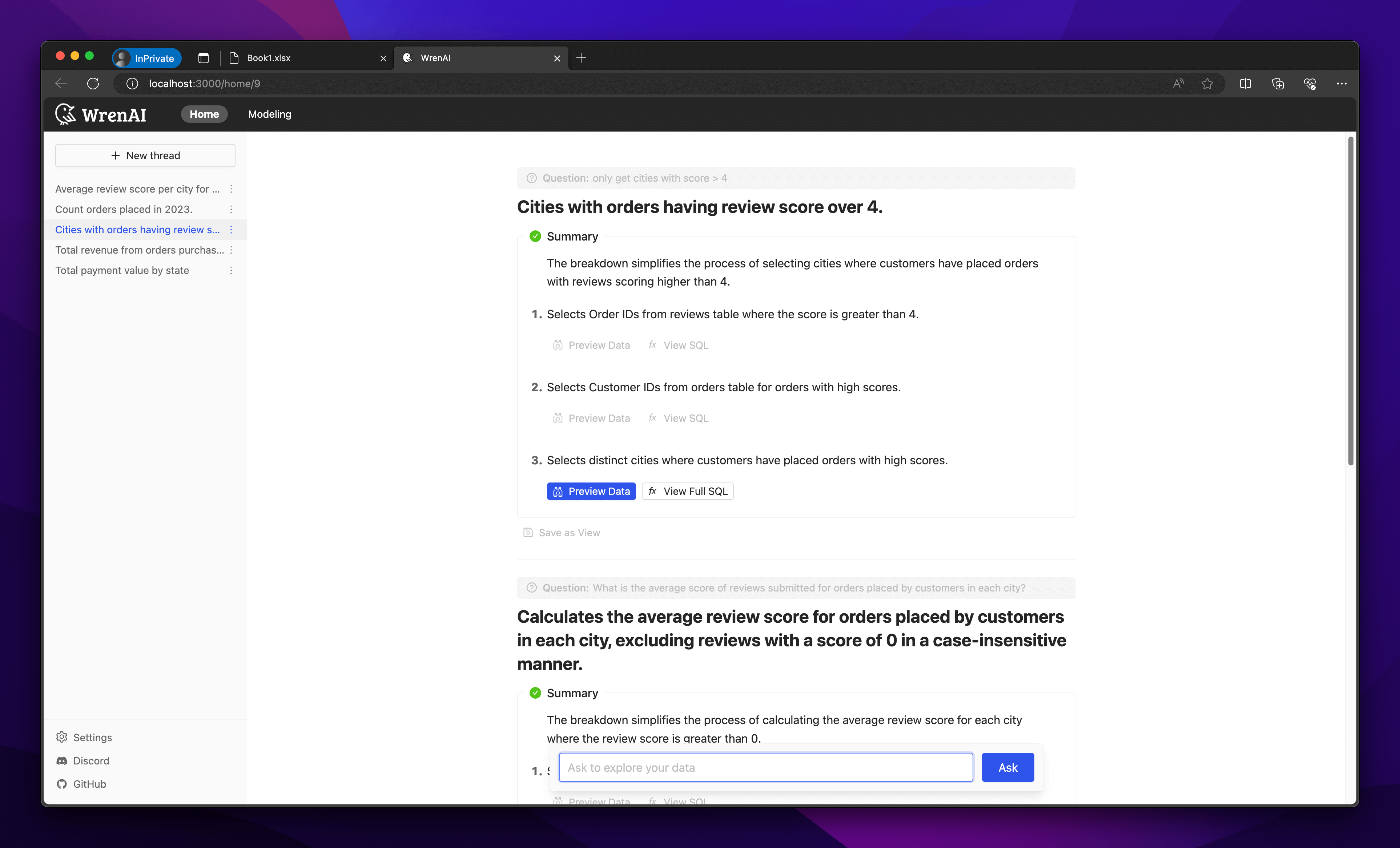
You will receive the thread history from the Wren AI server. Choose one to explore the thread.
In the thread, all the following questions asked on the Wren AI server will be displayed. Both the question and the summary will appear on the page.
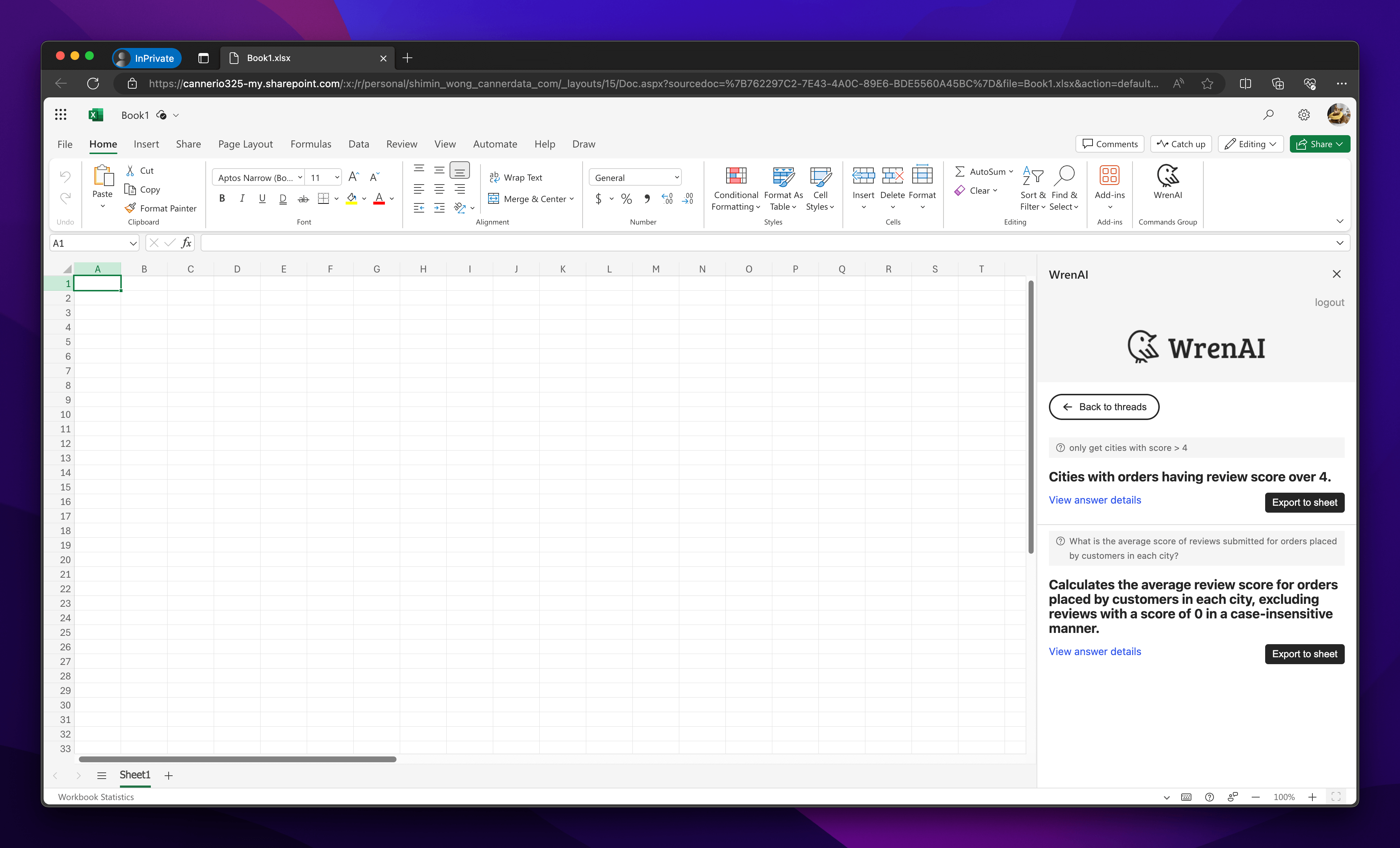
To see the thread details, click View answer details to navigate to the thread page.
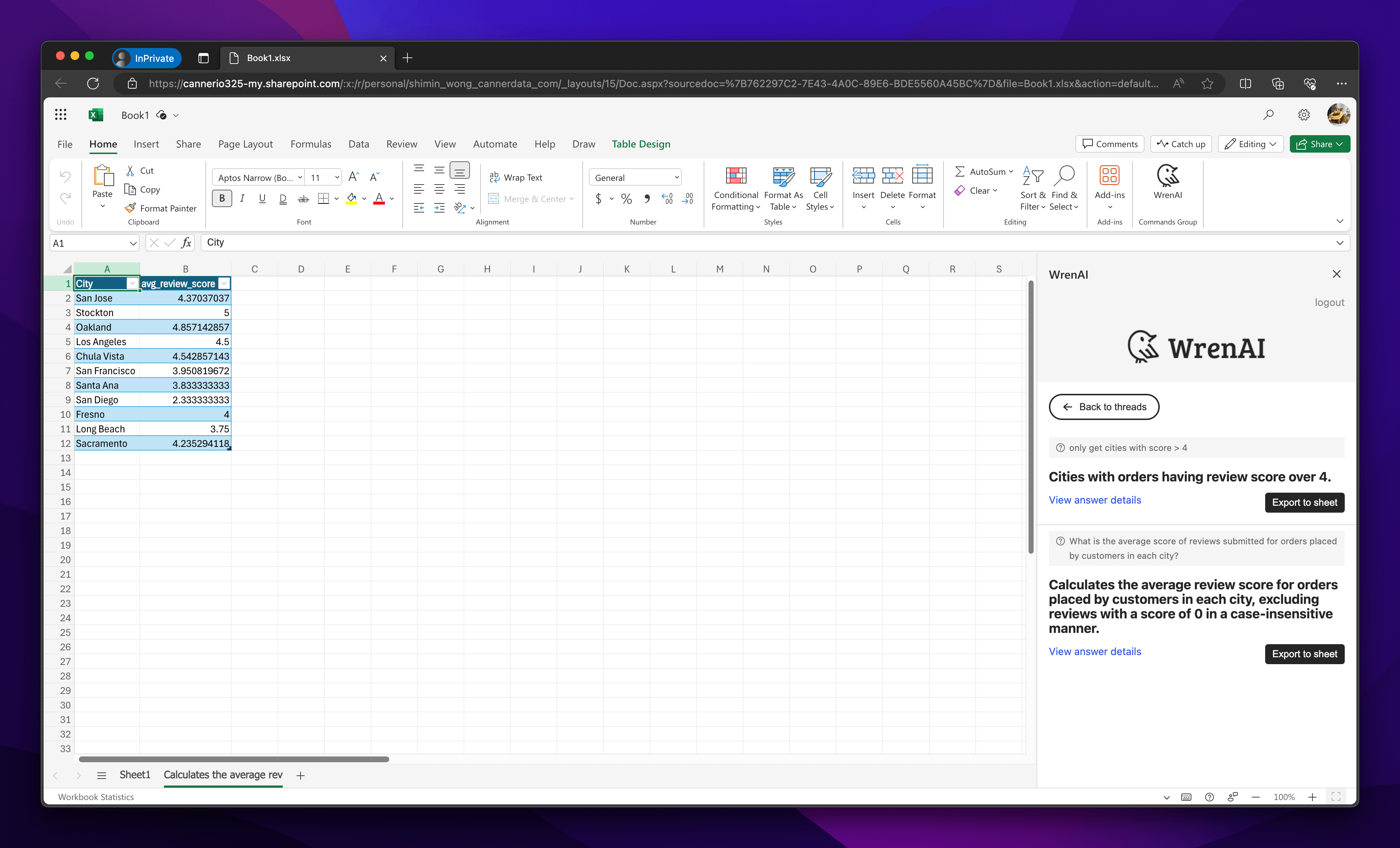
To export data, click the Export to Sheet button. This will export your thread results into a sheet, opening a new sheet to display the data.
Export a View Result
Select Export data from a saved view
You will receive all the saved views from the Wren AI server.
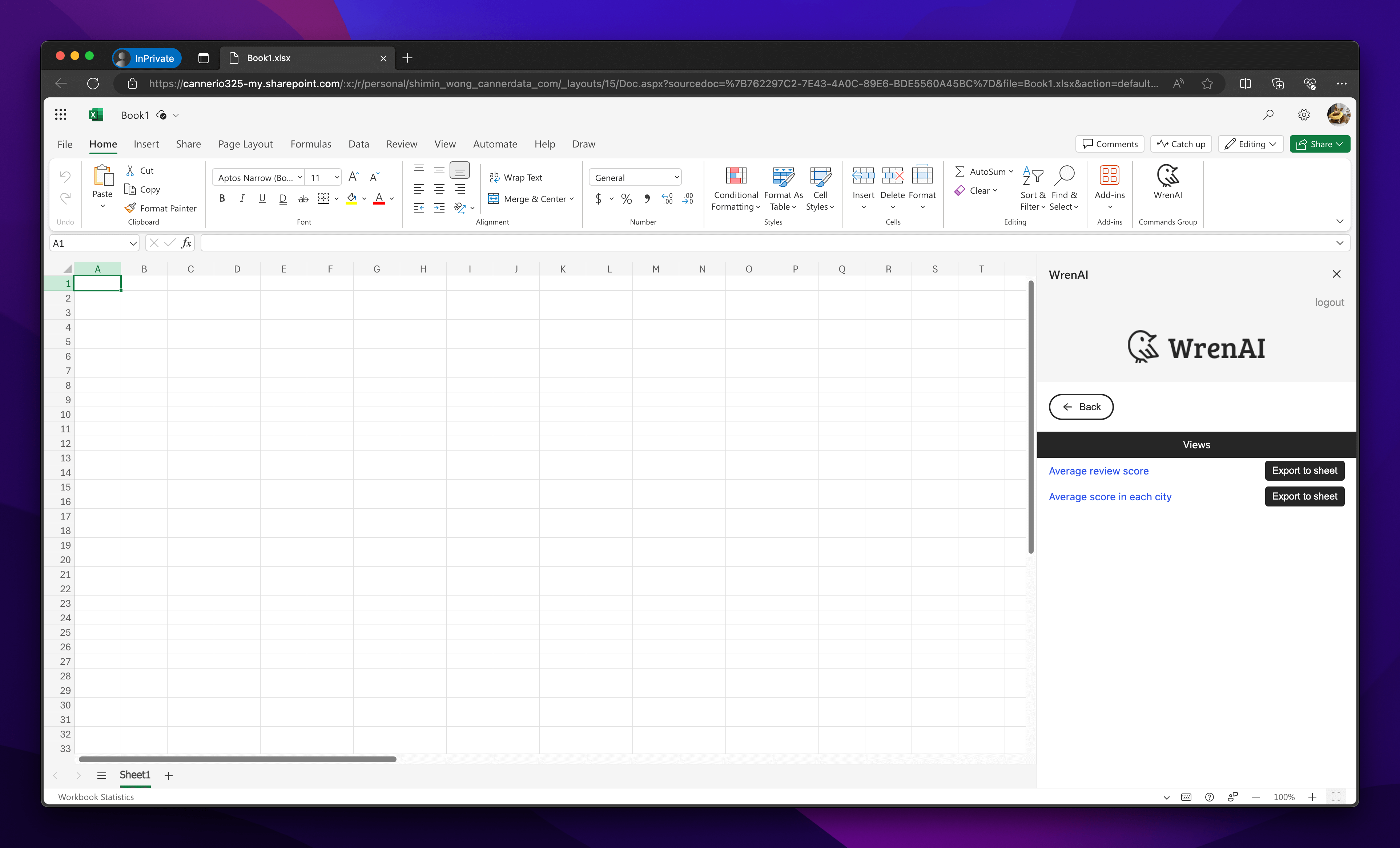
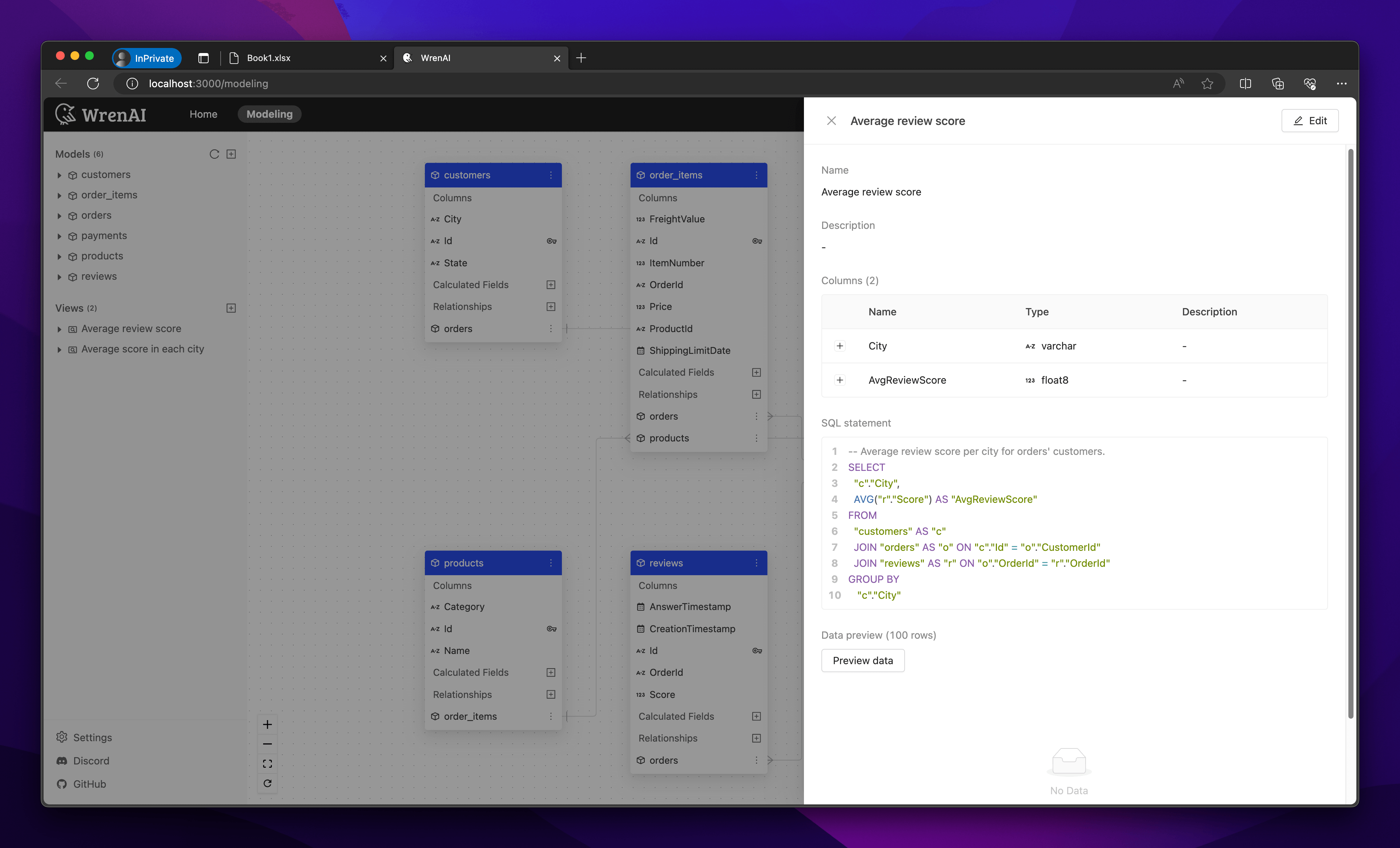
To see the view details, click on the view to navigate to the Modeling page and check the view metadata.
To export data, click the Export to Sheet button. This will export your view data into a sheet, opening a new sheet to display the data.